Roblox 3D Model Generator · Free account requiredStart free

Turn wordsinto Roblox3D assets

Create account

Generate an original accessory, garment, or full character as a downloadable 3D source package. Roblox AI asks for Roblox-aware topology budgets, preserves every returned model and texture, and explains the Studio steps that still need official fitting or Avatar Setup.

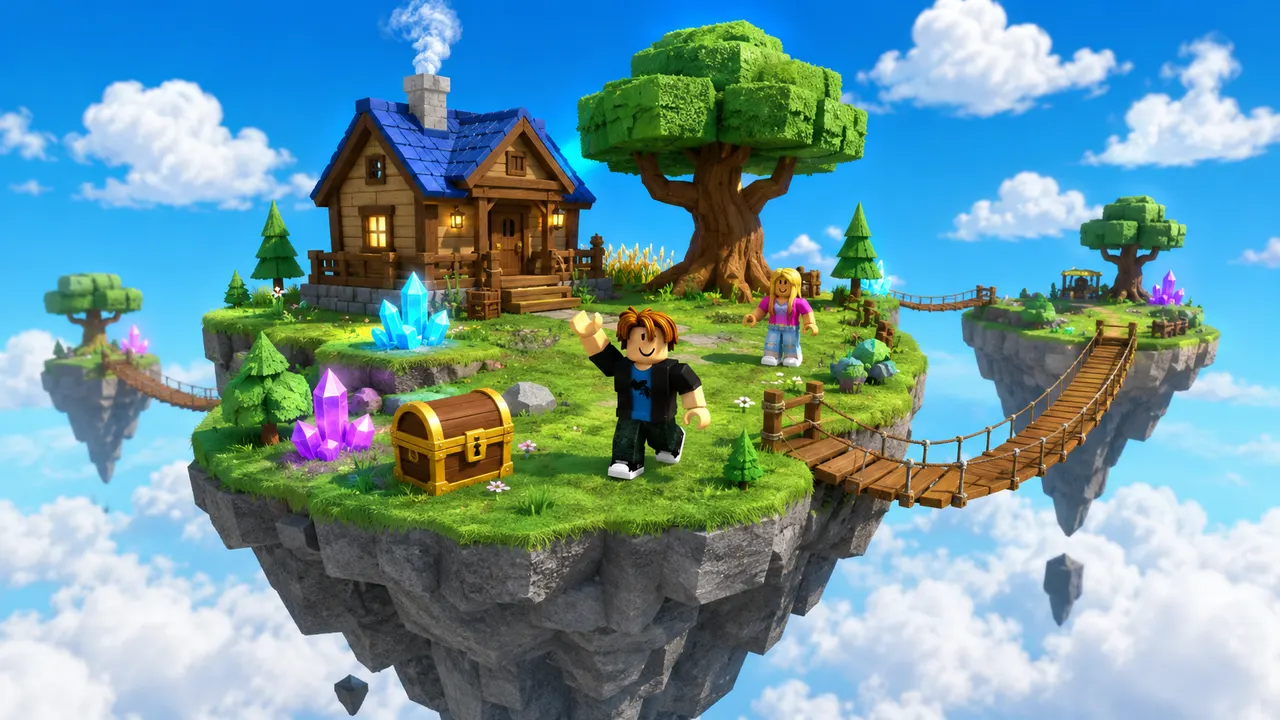
  • Sky island world generated by Roblox AI
    A place file with Luau
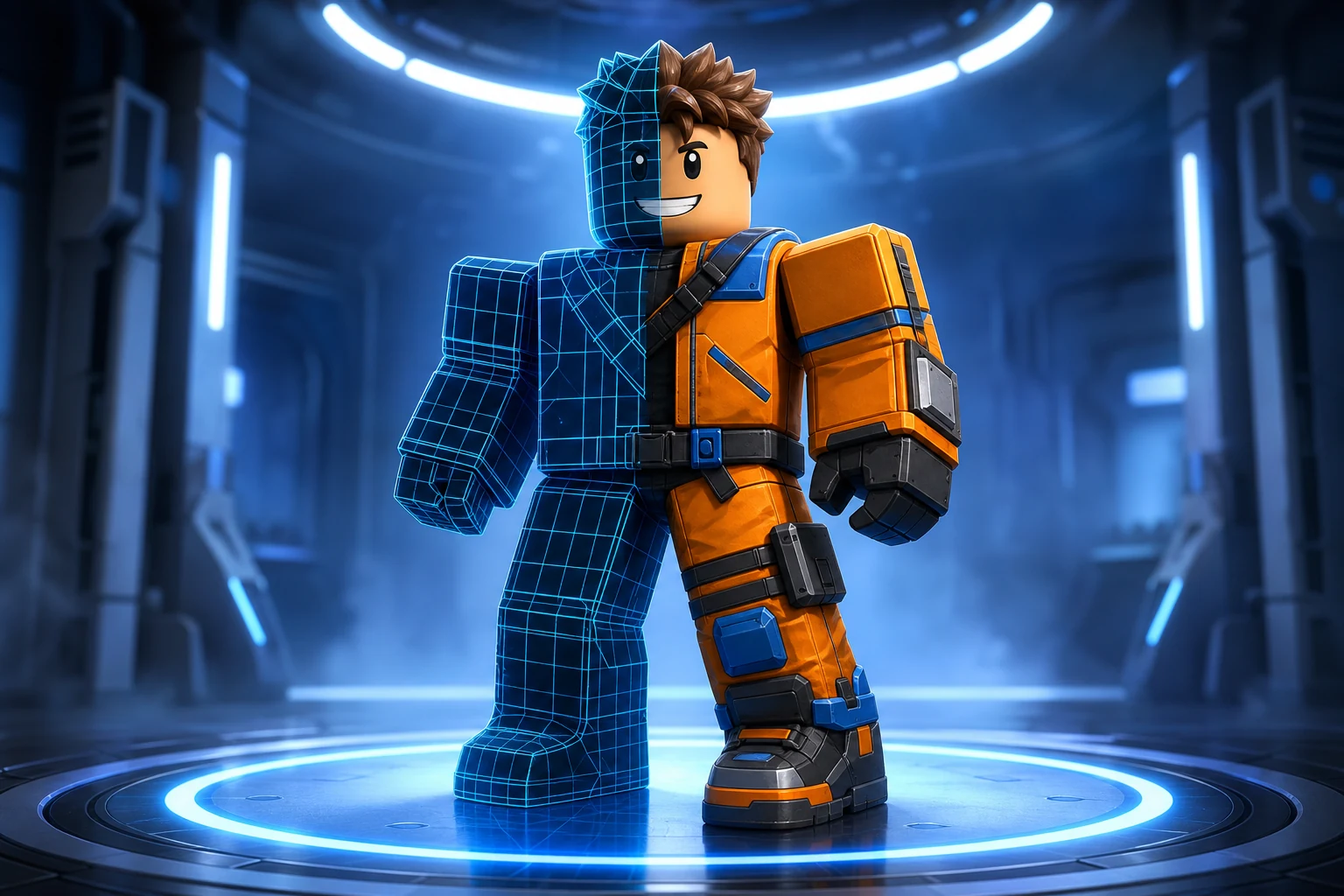
    Roblox avatar key art generated by Roblox AI
    Icons, thumbnails, GFX
  • Five second clips
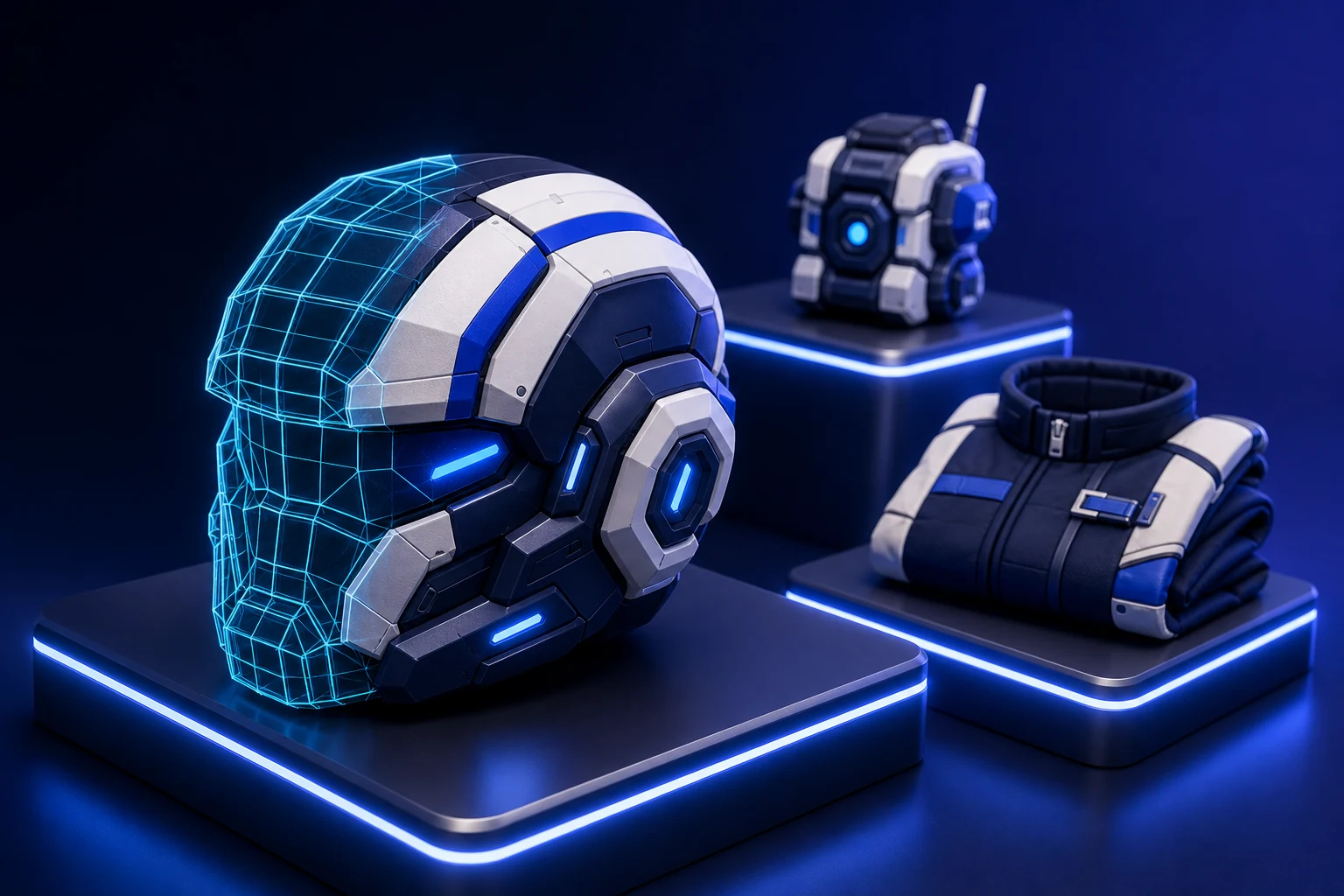
Generated helmet shown as wireframe and textured geometry3D Source
Text to 3D
Original prompt-driven geometry
3 tiers
Draft, detailed, and production
Private
Owner-scoped job files
What you get

What makes a 3D generator useful for Roblox creators

A Roblox 3D model generator should do more than return an attractive mesh. Roblox has different requirements for rigid accessories, layered clothing, and full character bodies, so Avatar Lab changes the generation brief and target topology for the selected asset type. Accessories request one connected wearable mesh with room under Roblox's published triangle ceiling. Layered garments request clean, symmetric source geometry. Characters request a complete neutral-pose humanoid with distinct body regions.

Roblox AI uses fal.ai as the generation provider while keeping the credential and provider URLs on the server. Paid jobs receive an owner-scoped manifest that survives browser refreshes, reports queue progress, and returns credits when a terminal provider failure occurs. When generation completes, the browser receives safe file keys rather than the remote provider URLs. You can preview supported GLB results and download the complete package for Studio or a third-party cleanup pass.

Choose the right asset family

A shoulder companion and a layered coat cannot share the same handoff. Select rigid accessory, layered clothing, or full character so the prompt, topology target, file notes, and Roblox workflow match the thing being created.

Iterate before paying production cost

Use a fast draft to judge silhouette, a detailed generation for stronger PBR source, or the production pipeline when rigging, multiple formats, and a Roblox character preflight justify the higher credit cost.

Keep the source and the limits together

The downloadable package contains the generated files plus a manifest and handoff guide. It states that Roblox fitting, cages, attachments, rig validation, moderation, and publishing remain separate official steps.

The workflow

From an idea to a Roblox-ready handoff.

  1. 01

    Name the object and where it belongs

    Describe the silhouette, material, colors, scale, and intended avatar position. Avoid asking for a scene or mannequin when the desired output is one wearable asset.

  2. 02

    Generate at the useful fidelity

    Draft is for shape decisions, detailed is for higher-quality source geometry, and production is for the most complete provider output. The current fal price is reflected in credits before the job starts.

  3. 03

    Fit and validate in Studio

    Import the returned GLB or FBX. Use the Accessory Fitting Tool for rigid accessories or Avatar Setup for bodies and layered clothing, then test deformation, intersections, and animation behavior.

Prompt ideas

Start specific. Keep the direction yours.

These are starting points, not fixed templates. Change the silhouette, material, palette, body, and personality before you generate.

Helmet

A compact original sci-fi helmet with a dark wraparound visor, segmented shell, cobalt light details, and one connected watertight mesh.

Shoulder companion

A tiny pastel repair robot with rounded panels, short articulated arms, a clean readable silhouette, and no stand or environment.

Layered coat

A symmetric long explorer coat with broad sleeves, readable seams, warm leather materials, and clean source topology for a Roblox layered-clothing workflow.

Choose when to upgrade

Match the plan to how many useful iterations you need.

Free credits can test a focused draft. Pro is the practical level for an original character or several asset iterations in one month. Studio provides more room for teams, multiple concepts, and production retries without changing the underlying Roblox validation requirements.

Free path

  • Test a draft within the monthly credit grant
  • Generate classic clothing templates
  • Search and preview Marketplace assets
  • Inspect the source workflow before upgrading

Pro & Studio

  • Run more detailed and production generations
  • Generate complete original avatar bodies
  • Keep several concepts moving in parallel
  • Use monthly capacity for both assets and game builds
Free
$0/ forever

Try world building, images and video with 60 free credits every month. No credit card.

  • 60 credits / month (~5 thumbnails)
  • 1 generation at a time
  • World building in Studio
  • Image generation
  • Marketplace avatar styling
  • Video generation
  • Scheduled automations
  • Original avatar generation
Starter
$15/ month

For creators making thumbnails and icons for their own experiences.

Everything in Free, plus:
  • 750 credits / month
  • ~207 thumbnails, or 16 clips
  • 2 generations at a time
  • 480p video generation
  • Scheduled image and video automations
  • Original avatar generation
  • Create up to 5 projects
  • 720p video
Popular
Pro
$35/ month

For creators shipping regularly. Adds 720p video and detailed 3D assets.

Everything in Starter, plus:
  • 1,900 credits / month
  • ~524 thumbnails, or 41 clips
  • 4 generations at a time
  • 720p video generation
  • Detailed 3D asset generation
  • Create up to 20 projects
  • Priority support
Max
$95/ month

Best value per credit. For studios and anyone generating every day.

Everything in Pro, plus:
  • 5,250 credits / month
  • ~1,450 thumbnails, or 113 clips
  • 8 generations at a time
  • Best value per credit
  • Unlimited projects
  • Early access to new features
Clear before you create

Frequently asked questions

Are generated 3D models ready to publish on Roblox?

They are source files. Import, fit, validate, moderate, and publish them through Roblox's official tools. Layered clothing and characters require additional cages, attachments, rigging, or Avatar Setup output.

What file formats do I receive?

The package includes the model, texture, rig, and animation files the selected provider returns. GLB is the preferred browser preview format; production jobs may also include FBX and other provider outputs.

Can I generate from a reference image?

Yes, when you own or have permission to use the reference. The server accepts an uploaded image and routes it to the matching image-to-3D endpoint without exposing the fal credential.

What happens if the provider fails?

The job manifest records the terminal failure and the backend refunds the generation charge once. Refreshing the page does not create a second paid job or lose the owner-scoped result.