Roblox Outfit Maker · Free account requiredStart free

Build the lookbefore youspend Robux

Create account

Start with an official Roblox body, describe the look you want, and search across real hair, faces, classic clothing, layered clothing, accessories, and animation packs. Equip the results in a live 3D composite, then save a clean image of the finished outfit.

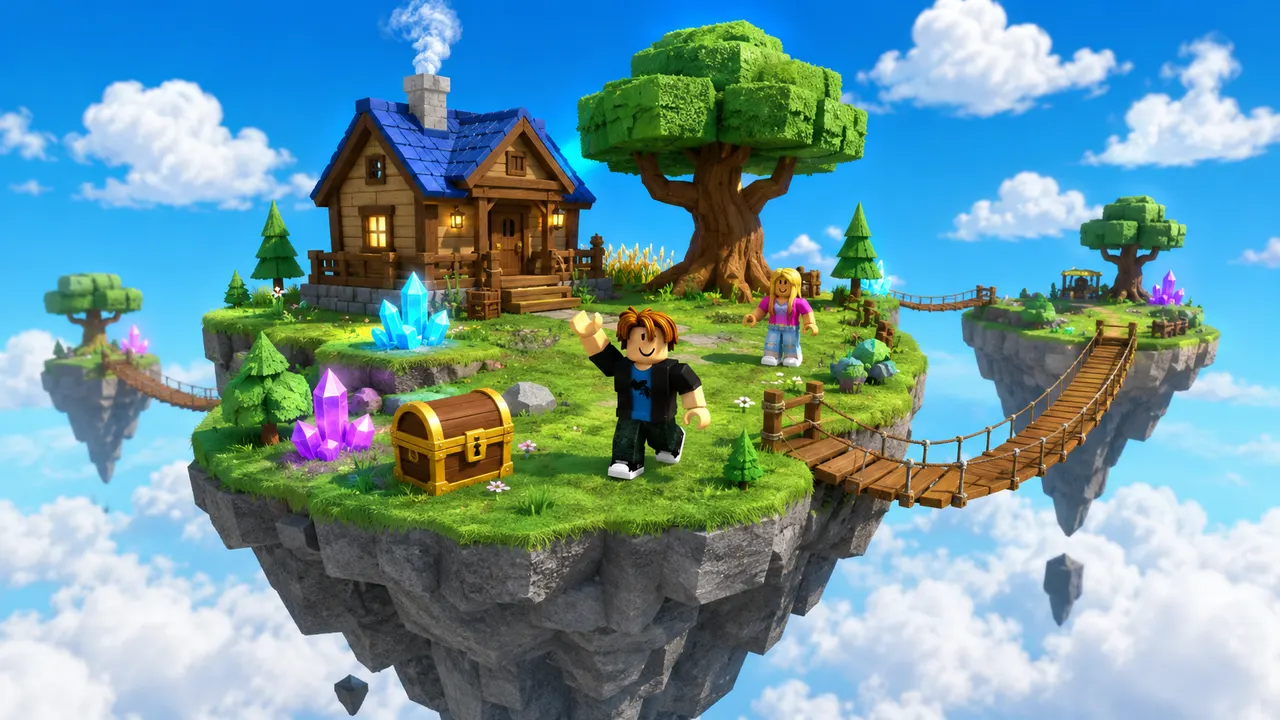
  • Sky island world generated by Roblox AI
    A place file with Luau
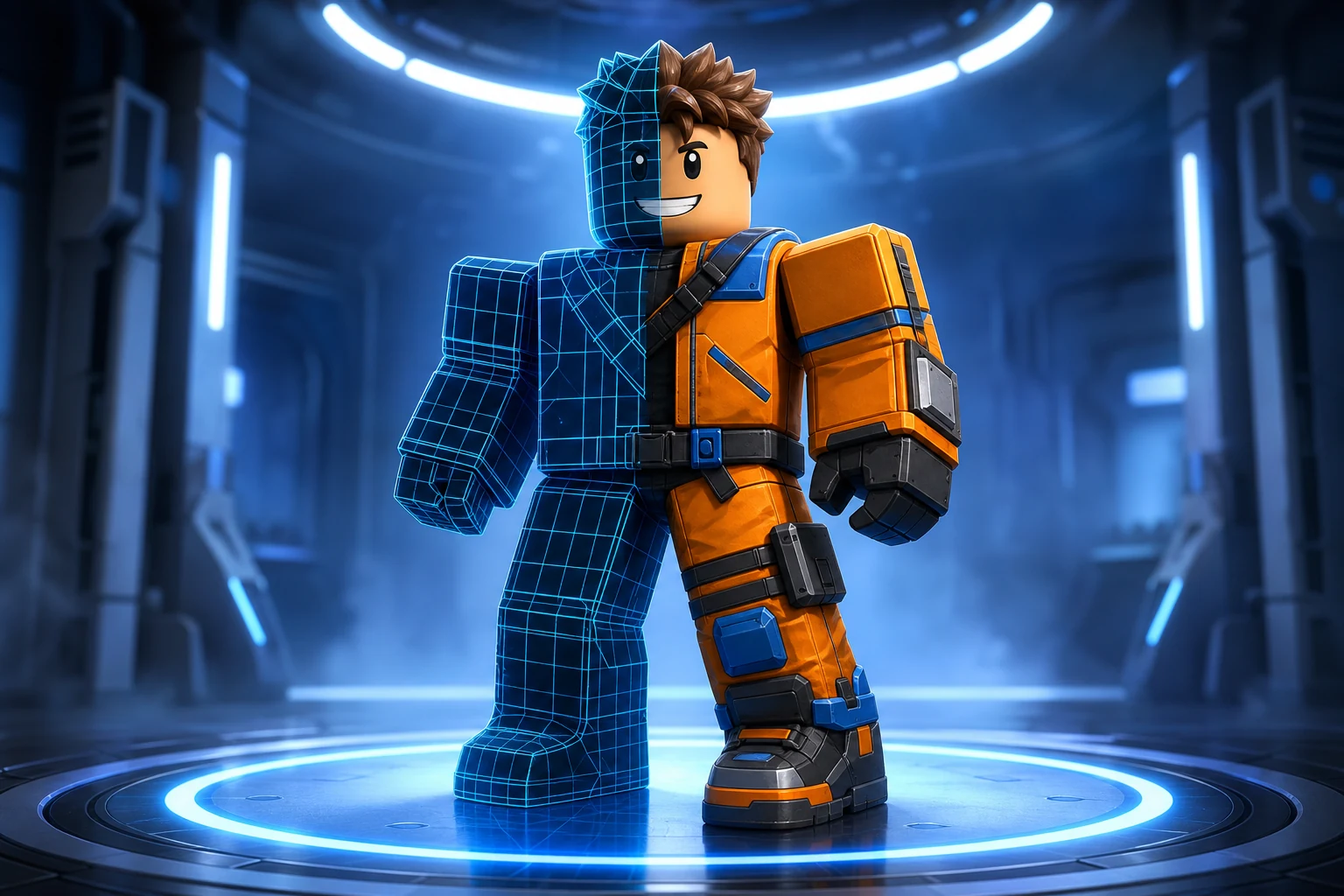
    Roblox avatar key art generated by Roblox AI
    Icons, thumbnails, GFX
  • Five second clips
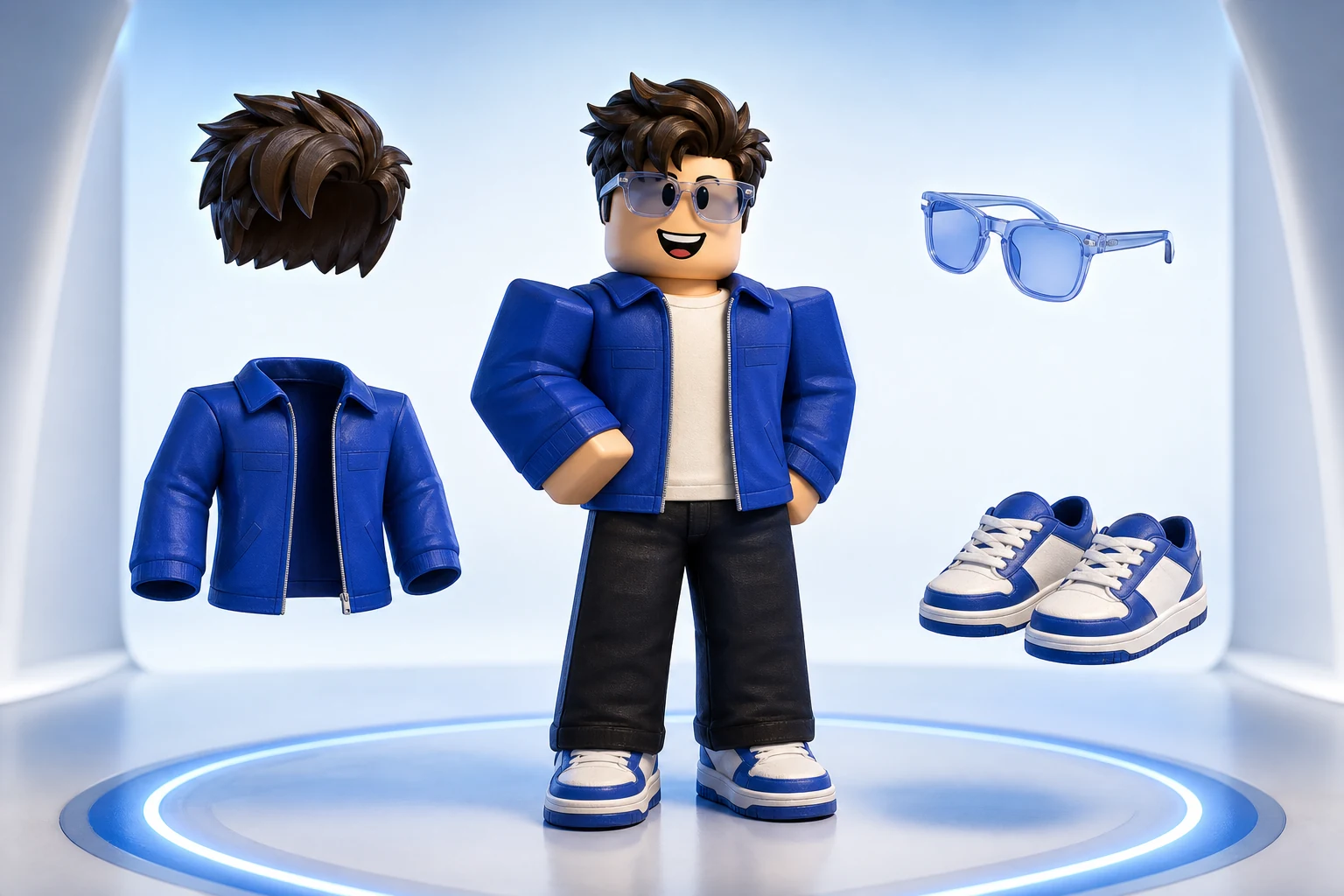
Block avatar with coordinated clothing and accessory choicesCatalog Outfit
Free
Marketplace search and preview
Real IDs
Published Roblox catalog assets
3D
Roblox-composited outfit preview
What you get

A Roblox outfit maker should use the same assets players can equip

A Roblox outfit maker helps you combine avatar items before you commit to a look. Avatar Lab searches Roblox's published catalog instead of inventing replacements for familiar hair, faces, jackets, pants, accessories, or animation packs. You can ask for a complete direction such as a black streetwear outfit with silver hair, or search one category at a time when you already know what needs to change.

The preview sends the selected HumanoidDescription back through Roblox's avatar rendering services. That matters because a thumbnail collage cannot show how a layered jacket, hairstyle, face, and body proportions behave together. Items of the same clothing type replace each other rather than stacking accidentally, while compatible layers and accessories remain equipped. Every result keeps its Roblox Marketplace link so you can inspect the actual listing before spending Robux.

Search with normal words

Write the look as one sentence. Avatar Lab recognizes body words and searches multiple relevant categories, so a request for a woman avatar with black hair and a red jacket can update the body and return both hair and clothing.

Compose real published assets

Catalog results retain their item IDs, asset types, creator names, thumbnails, and listing links. The outfit is based on assets Roblox already knows how to equip, not hand-drawn approximations.

Capture the outfit cleanly

Rotate and inspect the Roblox-composited character, then save a portrait image or open the native share sheet. The studio capture keeps the avatar and its equipped accessories together.

The workflow

From an idea to a Roblox-ready handoff.

  1. 01

    Choose the body first

    Select Robloxian 2.0, Man, Woman, Boy, Girl, or another supported official bundle. You can also name the body in the same sentence as the outfit.

  2. 02

    Describe what to find

    Ask for hair, a face, clothing, accessories, animations, or all clothing. Avatar Lab sends focused category searches so unrelated catalog results do not bury the useful items.

  3. 03

    Equip, replace, and share

    Equip the items you like. Selecting another shirt, jacket, pants, or other same-slot item removes the previous one, then Roblox renders the updated outfit in 3D.

Prompt ideas

Start specific. Keep the direction yours.

These are starting points, not fixed templates. Change the silhouette, material, palette, body, and personality before you generate.

Streetwear

Woman avatar with black hair, silver glasses, a cropped red jacket, dark pants, and a stylish animation pack.

Classic blocky

Robloxian 2.0 with classic blue clothing, a simple smile, brown hair, and one shoulder accessory.

Fantasy

Girl avatar with white hair, a green layered coat, boots, a small crown, and a heroic motion pack.

Choose when to upgrade

Outfit discovery is free. Original character generation is the upgrade.

The free path is useful on its own: search the Marketplace, combine items, preview the result, and share the image. Upgrade only when the catalog cannot produce the body you want and you need Roblox AI to generate an original full-character source.

Free path

  • Official Roblox body selection
  • Multi-category Marketplace search
  • Real catalog IDs and listing links
  • 3D outfit preview and image capture

Pro & Studio

  • An original generated body
  • Production character source files
  • Roblox body preflight and setup handoff
  • More credits for 3D revisions and game creation
Free
$0/ forever

Try world building, images and video with 60 free credits every month. No credit card.

  • 60 credits / month (~5 thumbnails)
  • 1 generation at a time
  • World building in Studio
  • Image generation
  • Marketplace avatar styling
  • Video generation
  • Scheduled automations
  • Original avatar generation
Starter
$15/ month

For creators making thumbnails and icons for their own experiences.

Everything in Free, plus:
  • 750 credits / month
  • ~207 thumbnails, or 16 clips
  • 2 generations at a time
  • 480p video generation
  • Scheduled image and video automations
  • Original avatar generation
  • Create up to 5 projects
  • 720p video
Popular
Pro
$35/ month

For creators shipping regularly. Adds 720p video and detailed 3D assets.

Everything in Starter, plus:
  • 1,900 credits / month
  • ~524 thumbnails, or 41 clips
  • 4 generations at a time
  • 720p video generation
  • Detailed 3D asset generation
  • Create up to 20 projects
  • Priority support
Max
$95/ month

Best value per credit. For studios and anyone generating every day.

Everything in Pro, plus:
  • 5,250 credits / month
  • ~1,450 thumbnails, or 113 clips
  • 8 generations at a time
  • Best value per credit
  • Unlimited projects
  • Early access to new features
Clear before you create

Frequently asked questions

Is the Roblox outfit maker free?

Yes. Searching real Marketplace assets, choosing an official body, equipping compatible items in the preview, and capturing the outfit are available without an avatar-generation subscription.

Does Avatar Lab give me the catalog items?

No. It helps you find, combine, and preview published items. Ownership, price, availability, and purchasing remain on Roblox under the item's real Marketplace listing.

Why does one jacket replace another?

Avatar Lab tracks Roblox asset types and equipment slots. Choosing another item of the same clothing type replaces the current one so duplicate shirts or jackets do not corrupt the composite.

Can I use the outfit on a generated character?

Yes, after the generated character has completed Roblox Avatar Setup and you connect the resulting official outfit or body bundle. That provides the attachments and cages required for accurate fitting.