3 monthly credits · No cardStart free
Describe the thumbnail. Get a finished 1920 × 1080 image in seconds.
A place file with Luau 
Icons, thumbnails, GFX Five second clips
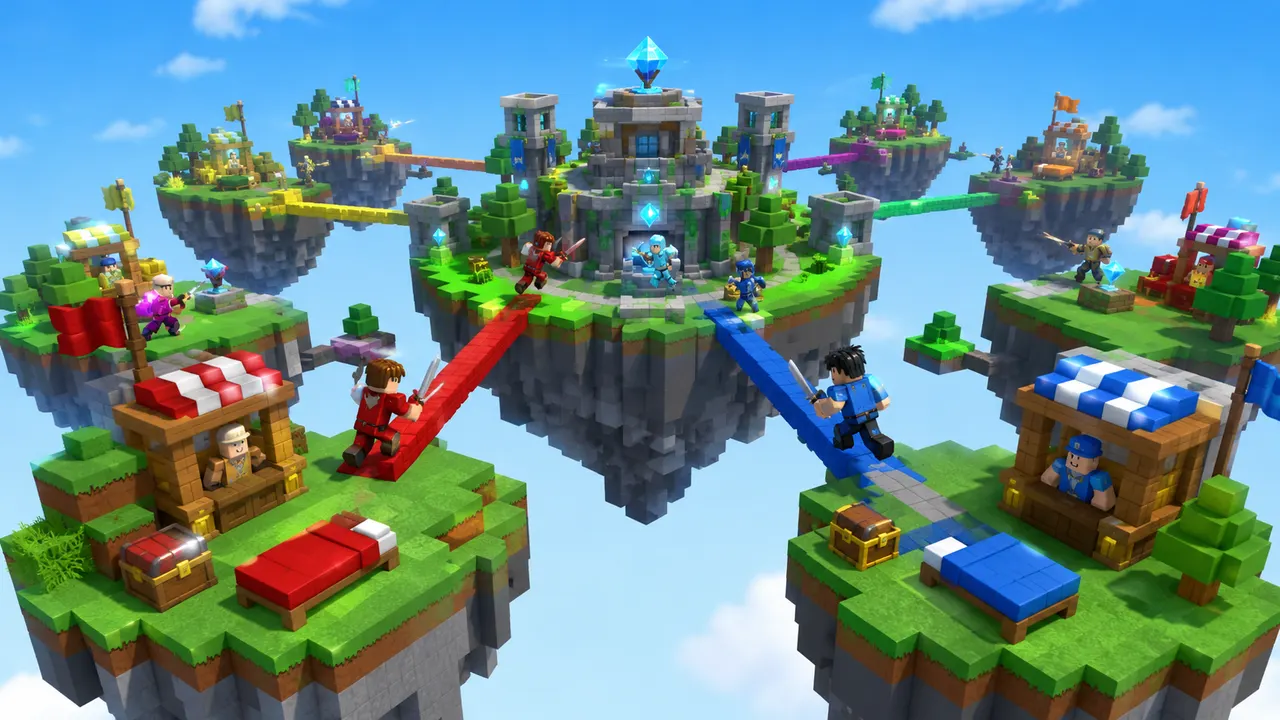
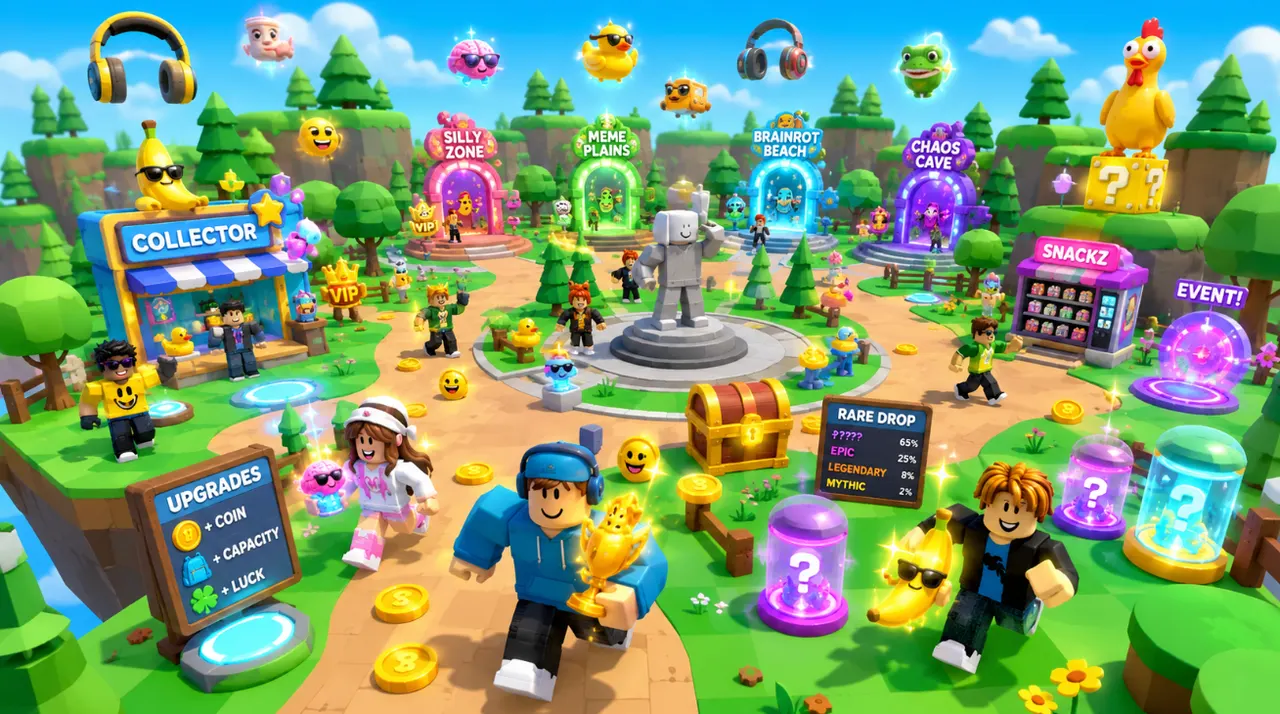
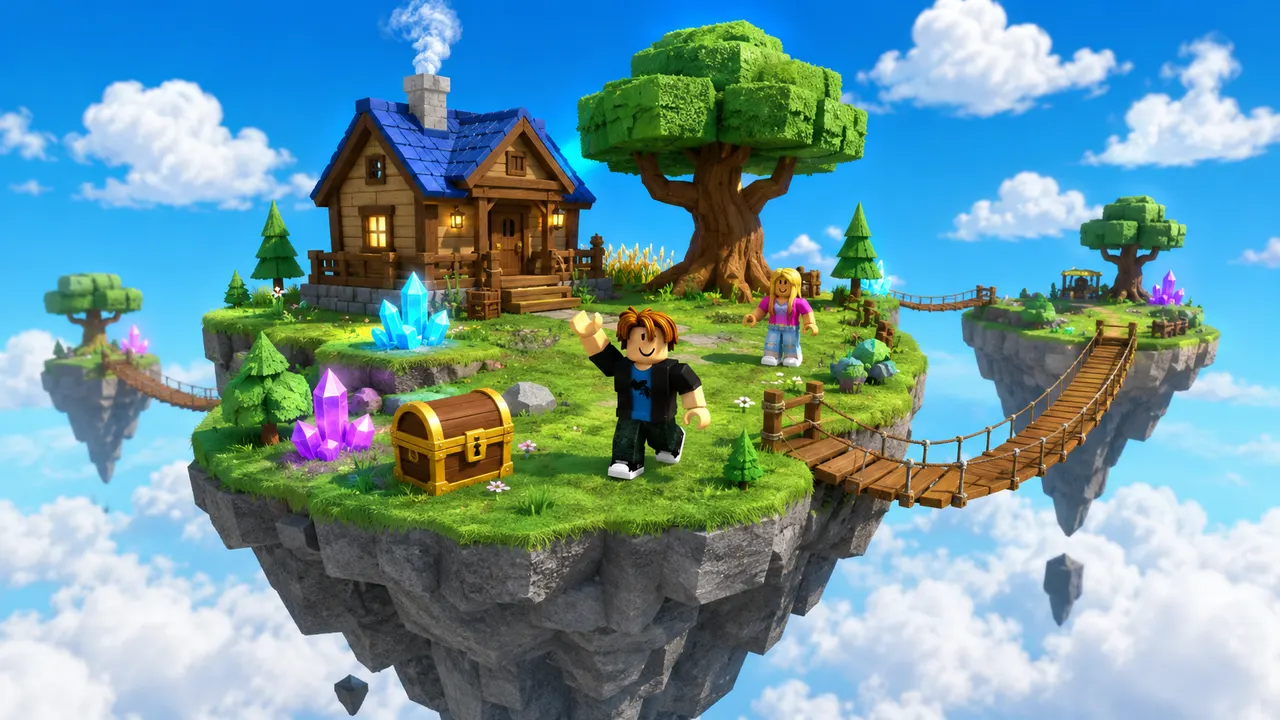
Sky Islands3 monthly credits · No cardStart freeSky IslandsA Roblox thumbnail maker turns a description into the wide image that sits on your experience's page and sells the click. With Roblox AI you type what the thumbnail should show — “a neon parkour tower at night with a glowing finish line and a character mid-jump” — and it generates a finished 1920 × 1080 image, the exact size Roblox displays. The usual route to a thumbnail is Blender for a character render plus Photoshop for the composite, which is why most experiences ship with a screenshot instead; this replaces both with one sentence. Generate several variants at once, keep the one that reads best at thumbnail size, and re-generate a fresh version whenever you update the game — the whole point of a thumbnail is that it changes when your game does.
You describe the game. Roblox AI builds the world, writes the Luau, and wires the systems — a complete, playable place, generated in minutes.
How it works
One prompt.
Type your game idea in plain English — the genre, the map, the rules. No coding required — the AI writes all the Luau for you.
The AI plans the build, writes the Luau scripts, places the parts and assembles a playable place file in minutes.
Download it, open it in Roblox Studio, and publish it from your own Studio session.
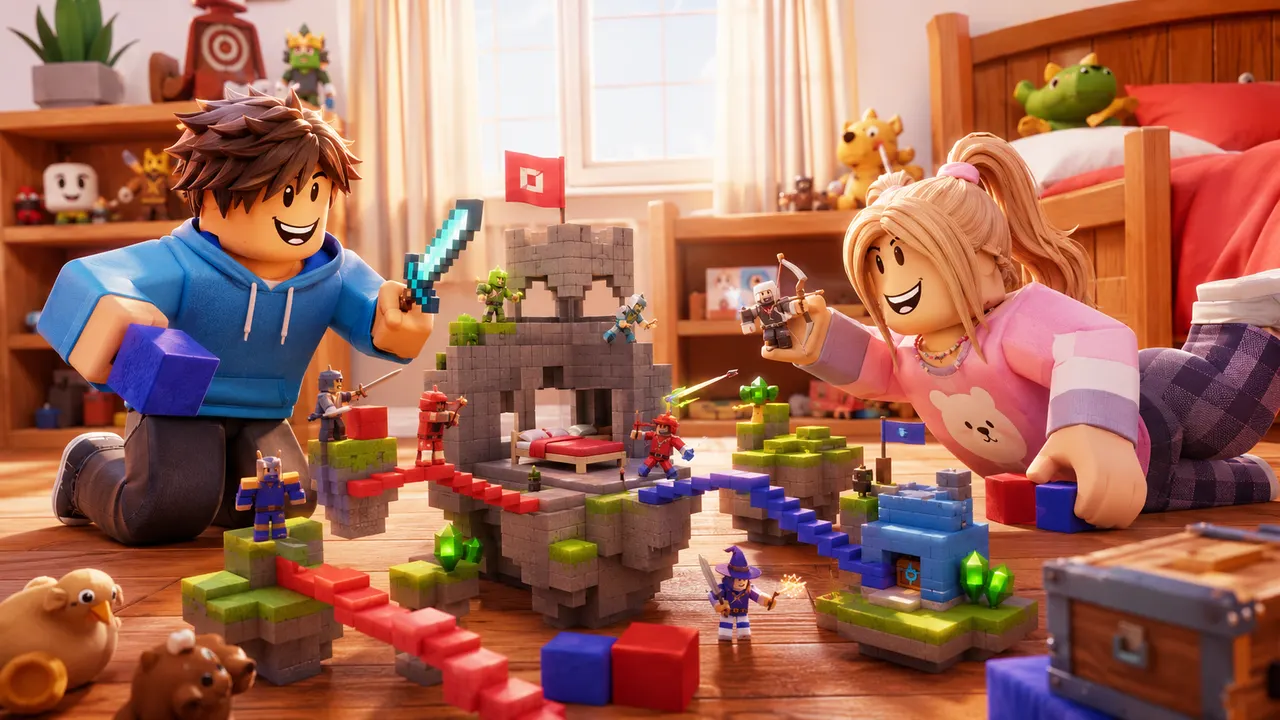 Playable
What it builds
Any game.
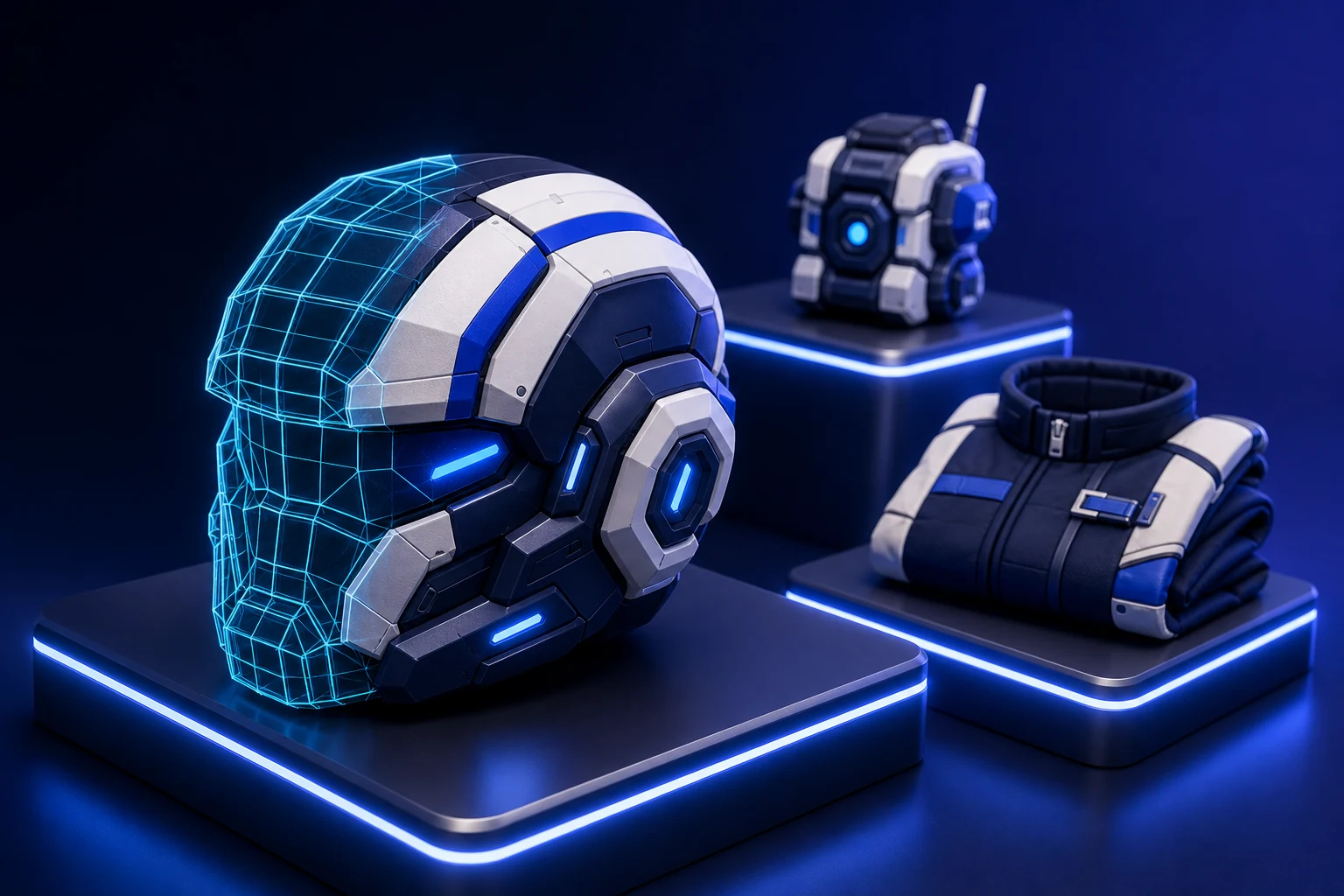
The same account generates avatar and outfit sources, classic clothing templates, UGC accessories and full characters — files you own, sized and formatted to pass Roblox upload rather than to look right in a preview.
Turn an idea into something playable to build on.
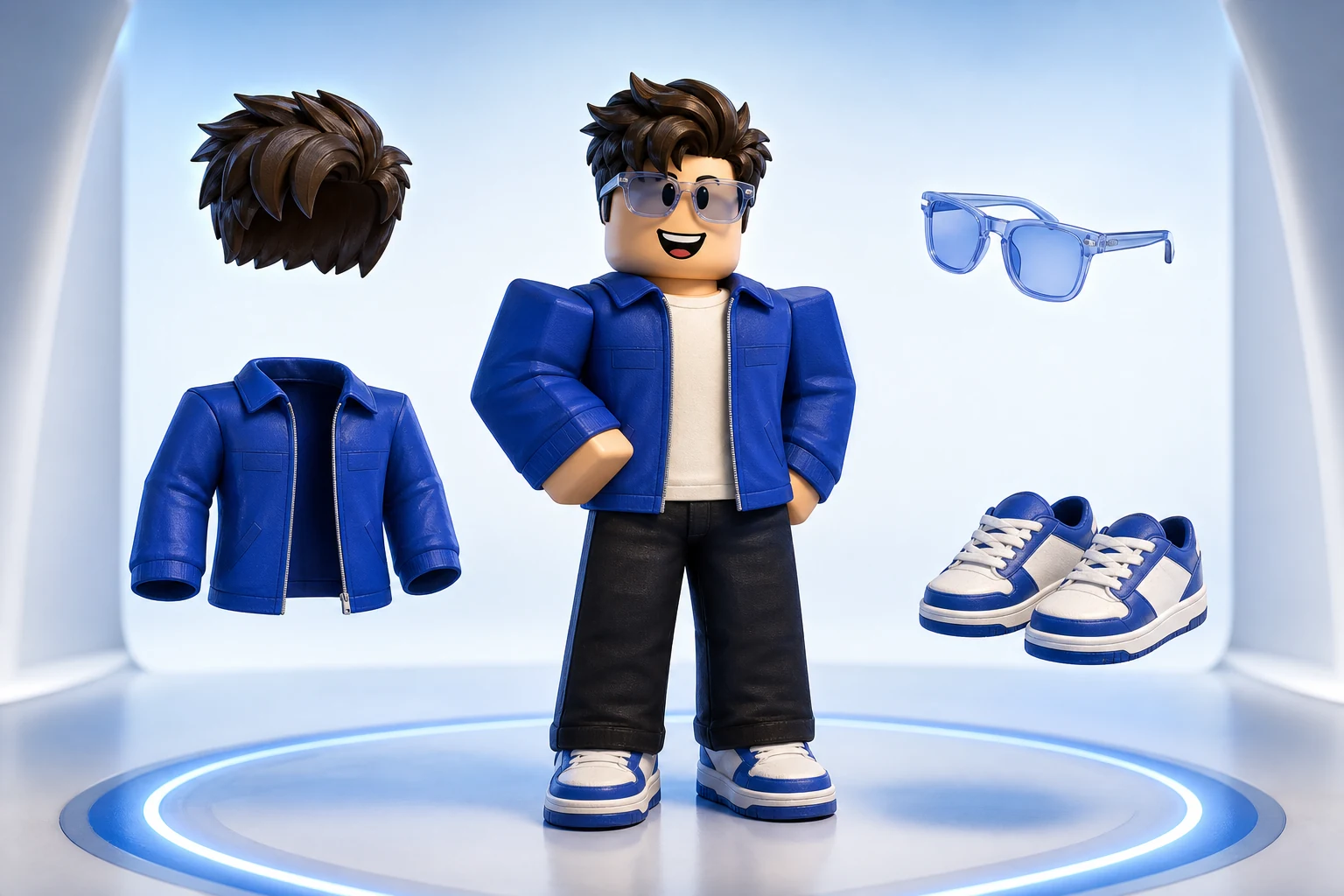
Get the avatar right without buying twice.
Design something uploadable without opening an image editor.
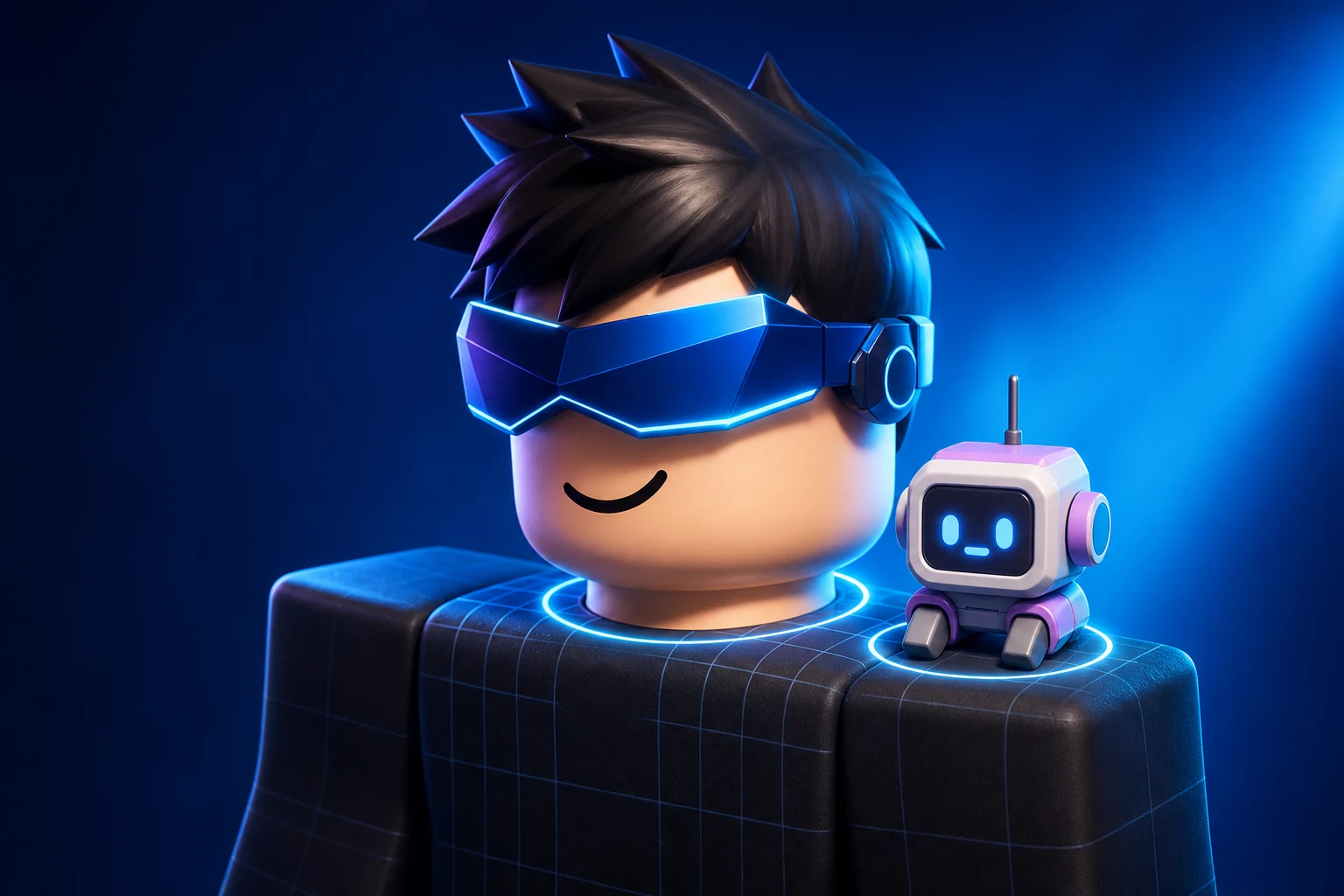
Make a UGC item worth publishing to the Marketplace.
Ship clothing that survives every body and animation.
Own a character nobody else can equip.
Give the game a face people click on.

Feed a channel without filming anything.
Start with 60 free credits each month. Starter is $15/month for 750 credits, Pro is $35/month for 1,900 credits and 720p video, and Max is $95/month for 5,250 credits and unlimited projects.
Try world building, images and video with 60 free credits every month. No credit card.
For creators making thumbnails and icons for their own experiences.
For creators shipping regularly. Adds 720p video and detailed 3D assets.
Best value per credit. For studios and anyone generating every day.
Credits refresh monthly with your plan. Cancel anytime.
1920 × 1080 pixels — a 16:9 landscape image. That is what Roblox displays on the experience page and in search results, and every image generated here comes out at that size, so there is nothing to crop or resize afterwards.
No. The traditional workflow is a character render in Blender composited with text and effects in Photoshop, which is why most experiences ship a plain screenshot instead. Here you describe the thumbnail in a sentence and the AI produces the finished image.
Yes — describe the character and the pose (“a character mid-jump”, “two characters back to back holding swords”) and it renders them into the scene in Roblox's blocky style rather than as a generic human.
Yes, and you should. Thumbnails are judged at about 300 pixels wide in a crowded grid, so the version that looks best full-size is often not the one that wins. Generate a batch, shrink them, and choose the one still readable small.
You get 60 credits a month free, with no card, which is enough to generate and compare a first set of thumbnails. Paid plans add more credits when you are iterating on several games at once.
Yes. Images you generate are yours to upload to your experience page, use in YouTube thumbnails about your game, or post on Discord and X. Roblox moderates uploaded images, so keep the content within their community standards.
Ready when you are
Your turn.
Describe an idea and generate a playable Roblox game in minutes. Start with 3 free monthly credits — no credit card and no coding required.