3 monthly credits · No cardStart free
A browser-based PromptBlox alternative — prompt in, playable Roblox game out.
A place file with Luau 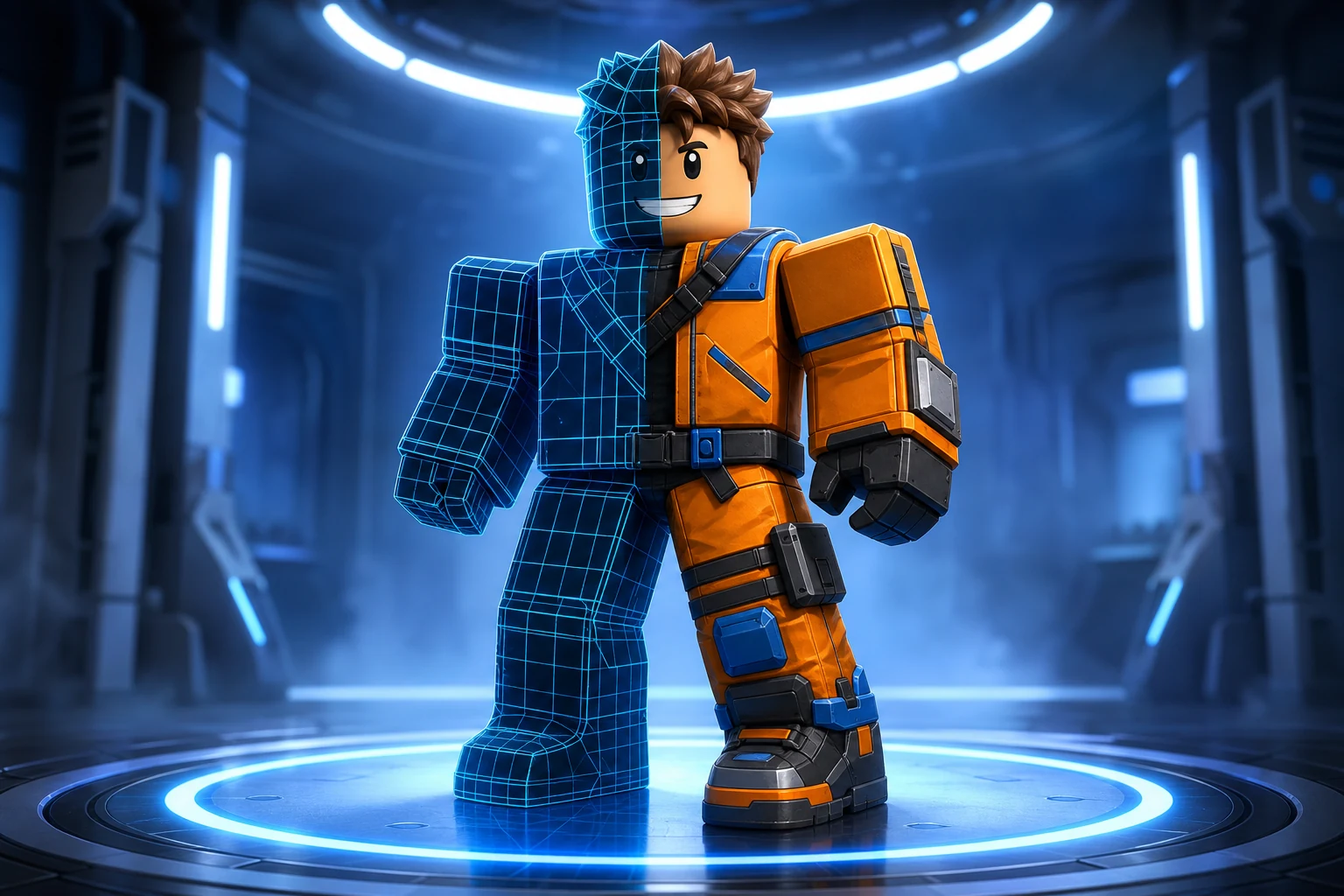
Icons, thumbnails, GFX Five second clips
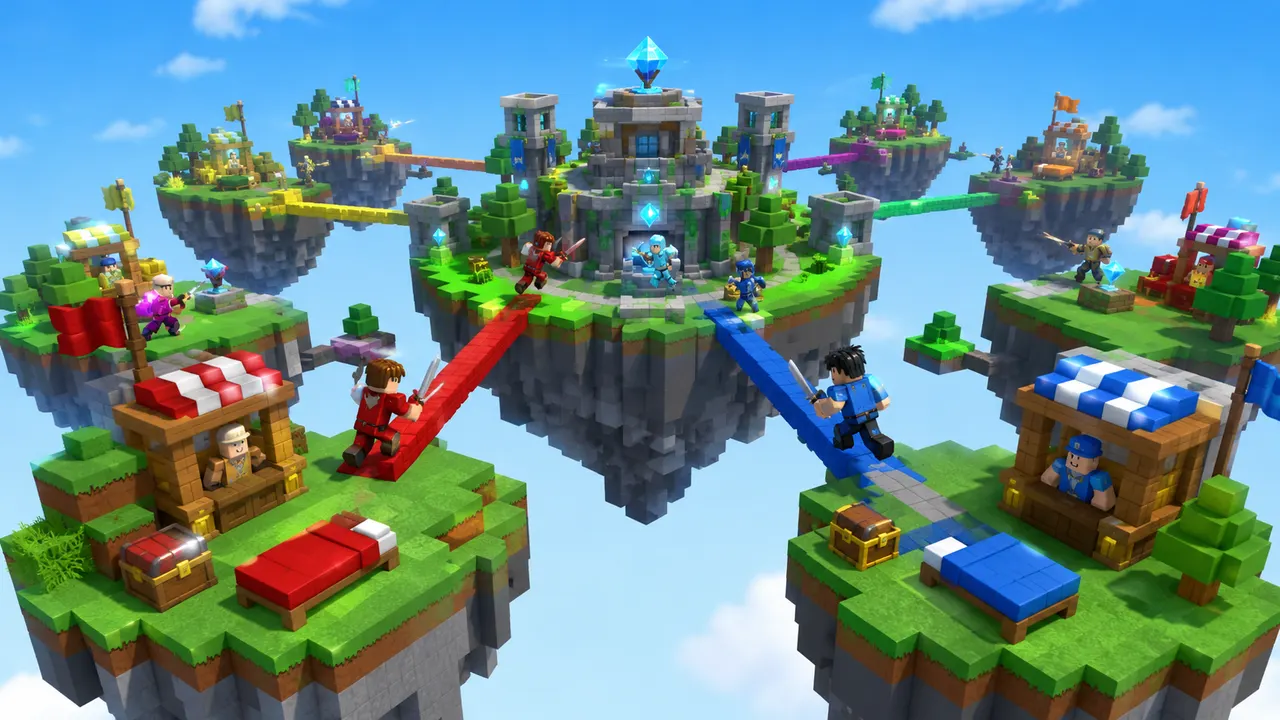
Sky Islands3 monthly credits · No cardStart freeSky IslandsPromptBlox and Roblox AI are close cousins: both are browser-based and generate a complete Roblox place file from a text prompt. Roblox AI is built around understanding Roblox systems — spawns, leaderstats, data stores, round logic — so it wires working mechanics rather than only dressing a scene, and it generates native Roblox Terrain for worlds instead of flat ground. It also ships a trilingual interface and a conversational refine loop that edits your game in place. When the build is ready, download the .rbxlx file and publish it from Roblox Studio.
You describe the game. Roblox AI builds the world, writes the Luau, and wires the systems — a complete, playable place, generated in minutes.
How it works
One prompt.
Type your game idea in plain English — the genre, the map, the rules. No coding required — the AI writes all the Luau for you.
The AI plans the build, writes the Luau scripts, places the parts and assembles a playable place file in minutes.
Download it, open it in Roblox Studio, and publish it from your own Studio session.
 Playable
What it builds
Any game.
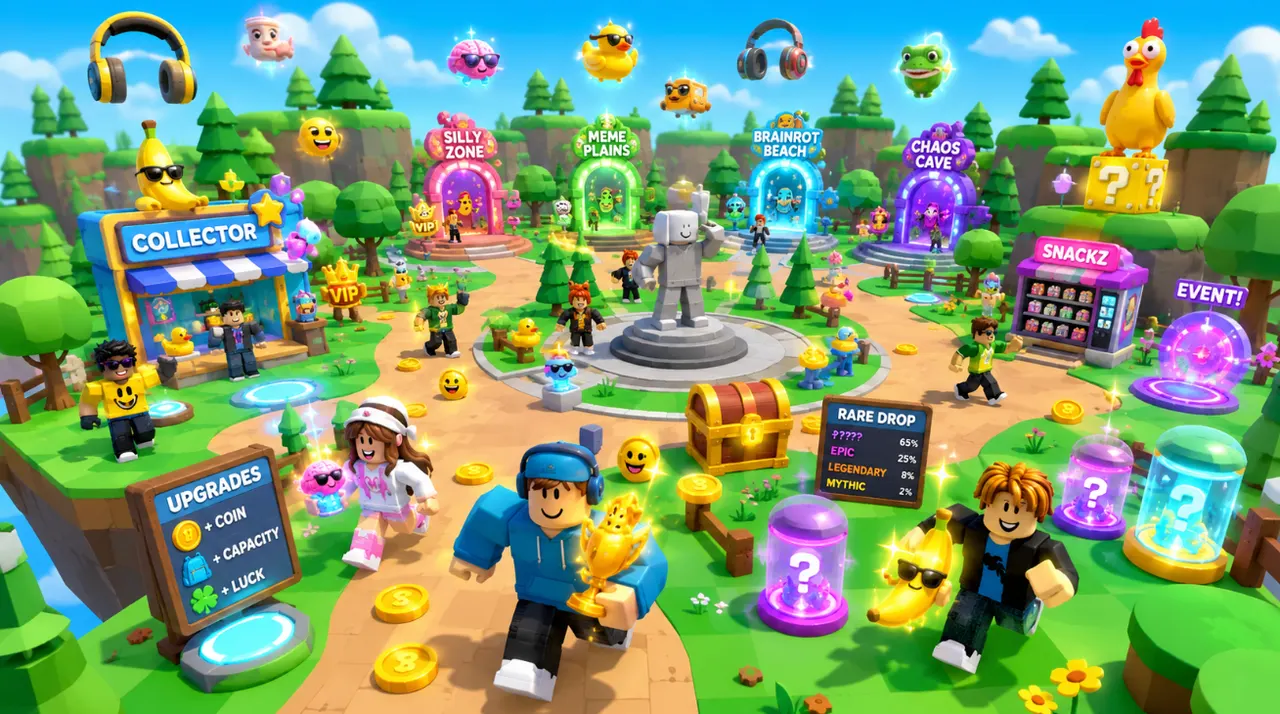
The same account generates avatar and outfit sources, classic clothing templates, UGC accessories and full characters — files you own, sized and formatted to pass Roblox upload rather than to look right in a preview.
Turn an idea into something playable to build on.

Get the avatar right without buying twice.
Design something uploadable without opening an image editor.

Make a UGC item worth publishing to the Marketplace.
Ship clothing that survives every body and animation.
Own a character nobody else can equip.
Give the game a face people click on.

Feed a channel without filming anything.
Both are browser-based prompt-to-game generators. Roblox AI leans further into working systems, native terrain, and a trilingual interface.
| Feature | Roblox AI | PromptBlox |
|---|---|---|
| Works in the browser (no install) | ✓ | ✓ |
| Prompt to full place file | ✓ | ✓ |
| Studio-ready place file export | ✓ | ✓ |
| Writes the Luau for you | ✓ | ✓ |
| Wires game systems (leaderstats, saves, rounds) | ✓ | Basic |
| Native Roblox Terrain generation | ✓ | Limited |
| Refine the game by chatting | ✓ | Regenerate |
| Interface language | EN / ES / PT-BR | EN |
Roblox AI reasons about the plumbing a genre needs — currencies, DataStore saving, round flow — and wires it, so the output is a game with a working loop rather than a decorated map.
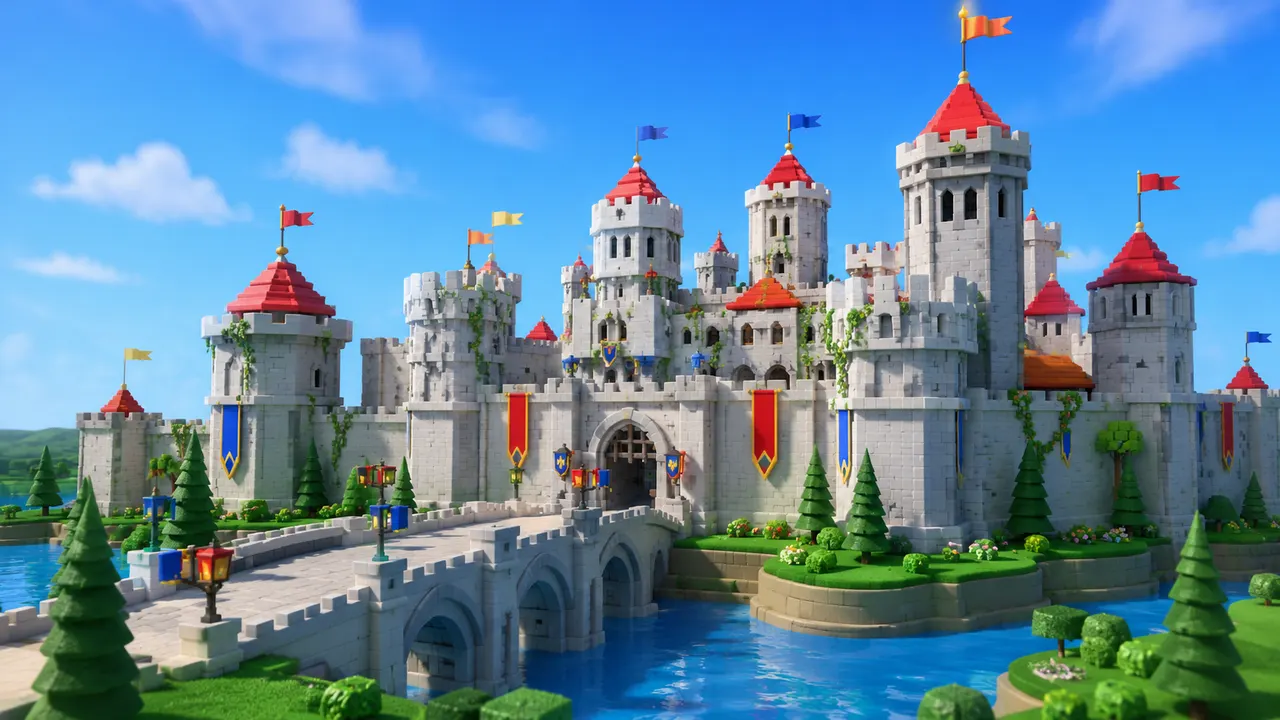
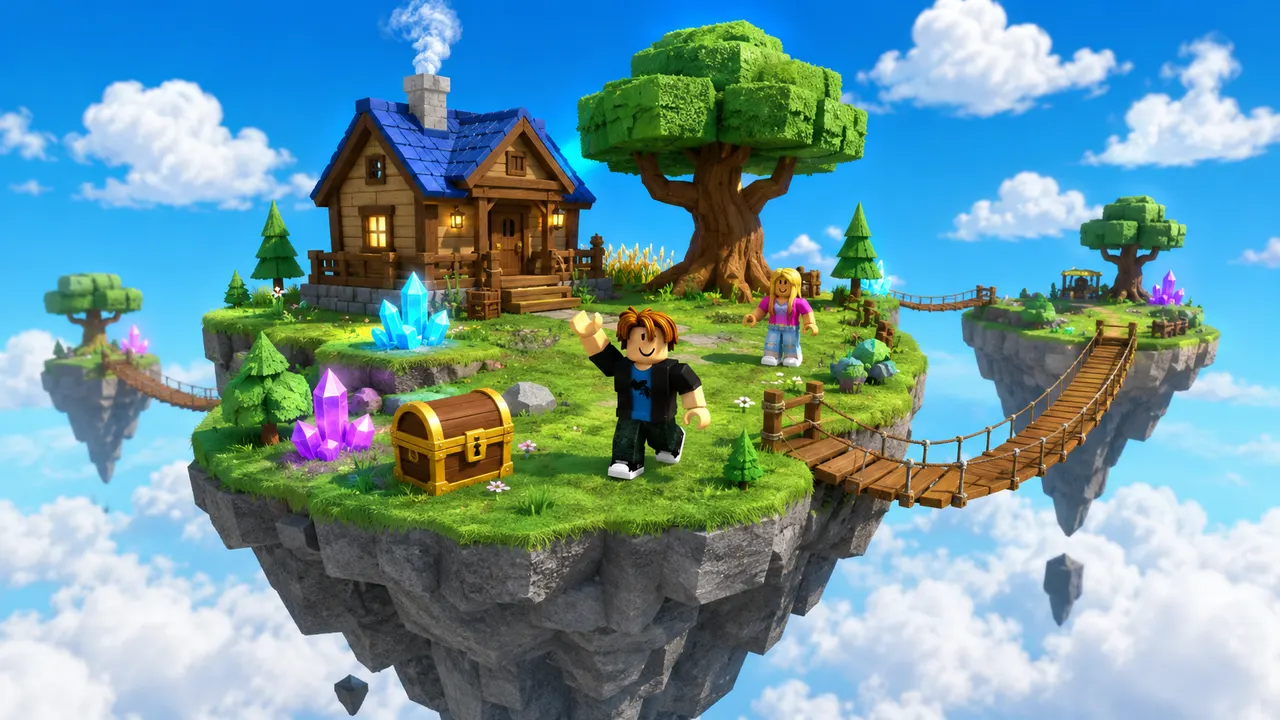
For world-style prompts it sculpts native Roblox Terrain from a noise heightmap — hills, lakes, shorelines — then places props on top, instead of scattering objects on a flat baseplate.
Ask for a change and it edits the existing project, keeping the rest intact, so you steer the build forward instead of regenerating and losing your last result.
The whole interface works in English, Spanish and Portuguese, which matters for the large Latin-American Roblox creator base.
PromptBlox and Roblox AI share the same no-install, prompt-to-game promise. Choose Roblox AI when you want deeper working systems, native terrain generation, an in-place refine loop, or a Spanish/Portuguese interface. Choose PromptBlox for its fast, image-first first-run. Try a prompt in both — they're close enough that the output decides it.
Start with 60 free credits each month. Starter is $15/month for 750 credits, Pro is $35/month for 1,900 credits and 720p video, and Max is $95/month for 5,250 credits and unlimited projects.
Try world building, images and video with 60 free credits every month. No credit card.
For creators making thumbnails and icons for their own experiences.
For creators shipping regularly. Adds 720p video and detailed 3D assets.
Best value per credit. For studios and anyone generating every day.
Credits refresh monthly with your plan. Cancel anytime.
Yes — both are browser-based tools that turn a prompt into a playable Roblox place file. Roblox AI adds deeper system wiring, native terrain generation, an in-place refine loop, and a trilingual interface.
Yes. For world-style prompts it sculpts native Roblox Terrain from a noise heightmap — hills, valleys, water, shorelines — then procedurally places props on top, so worlds look designed rather than flat.
Download the generated .rbxlx place file, open it in Roblox Studio, review it, then use File → Publish to Roblox from the Roblox account signed into Studio.
Ready when you are
Your turn.
Describe an idea and generate a playable Roblox game in minutes. Start with 3 free monthly credits — no credit card and no coding required.