3 monthly credits · No cardStart free
The complete beginner's guide — from a blank idea to a published Roblox game.
A place file with Luau 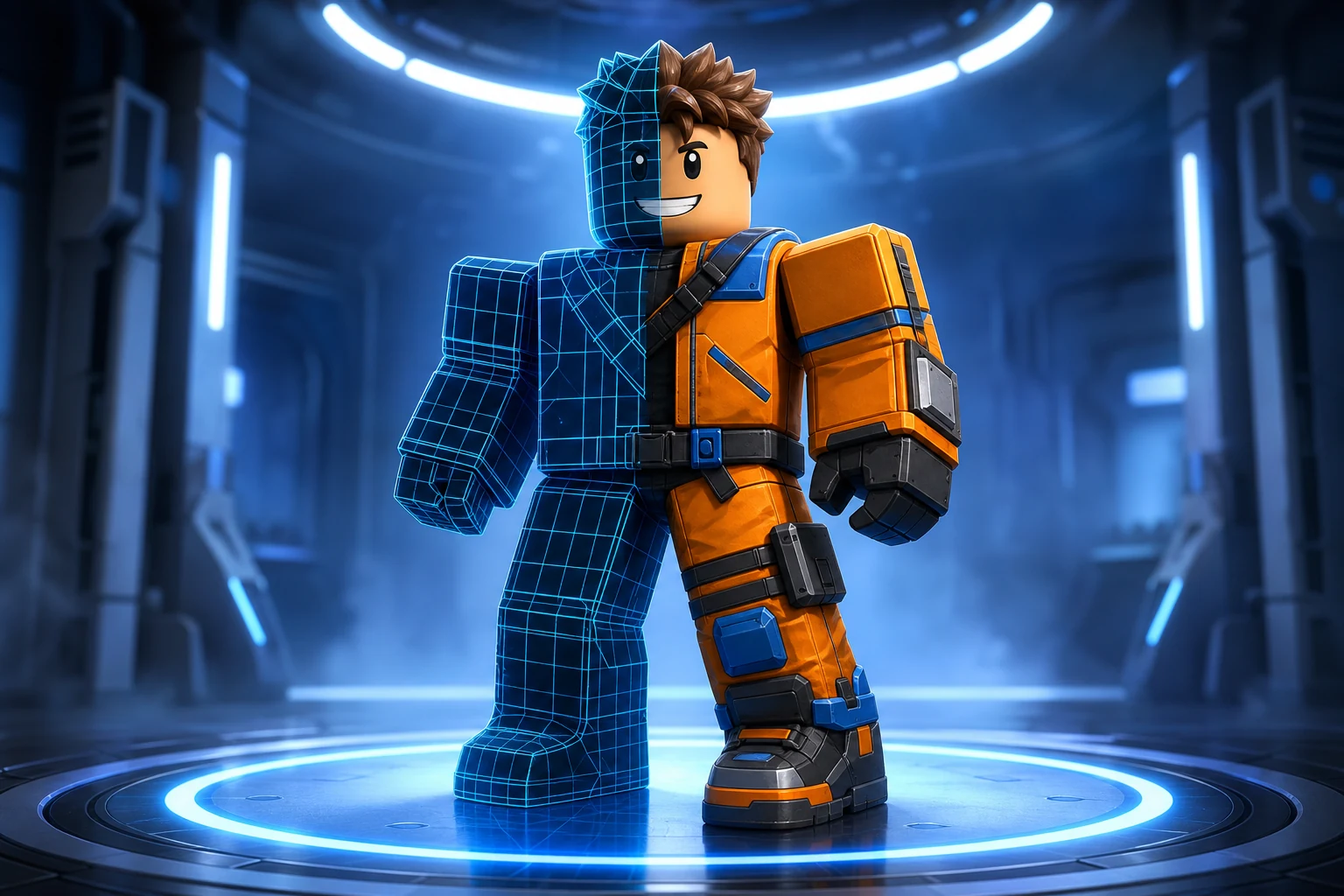
Icons, thumbnails, GFX Five second clips
Sky Islands3 monthly credits · No cardStart freeSky IslandsTo make a Roblox game you need three things: an idea, a way to build the world and its scripts, and a Roblox account to publish it. Traditionally that means learning Roblox Studio and the Luau scripting language, then building everything by hand — a path that works but takes weeks to get moving. The faster route in 2026 is to describe your game to an AI builder, which writes the Luau and assembles a playable place file for you, then publish it to Roblox. This guide covers both paths, how to pick a genre that's actually finishable, how to publish, and the beginner mistakes that stall most first games.
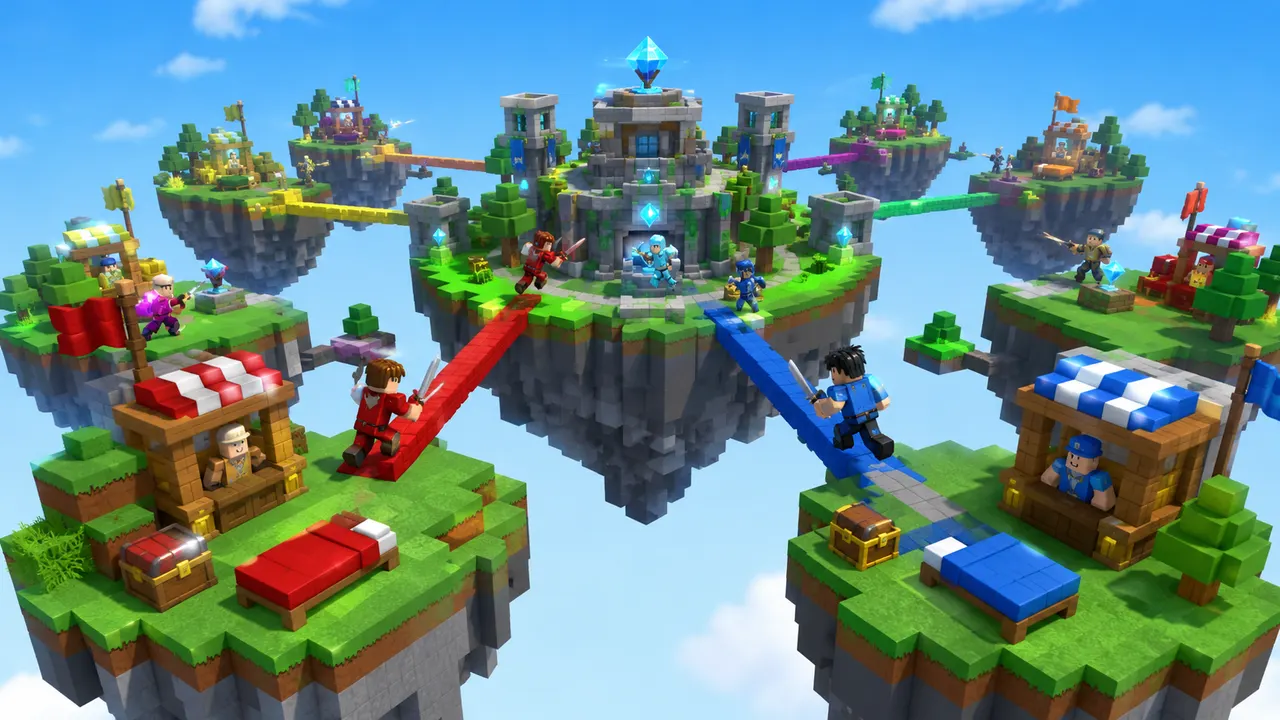
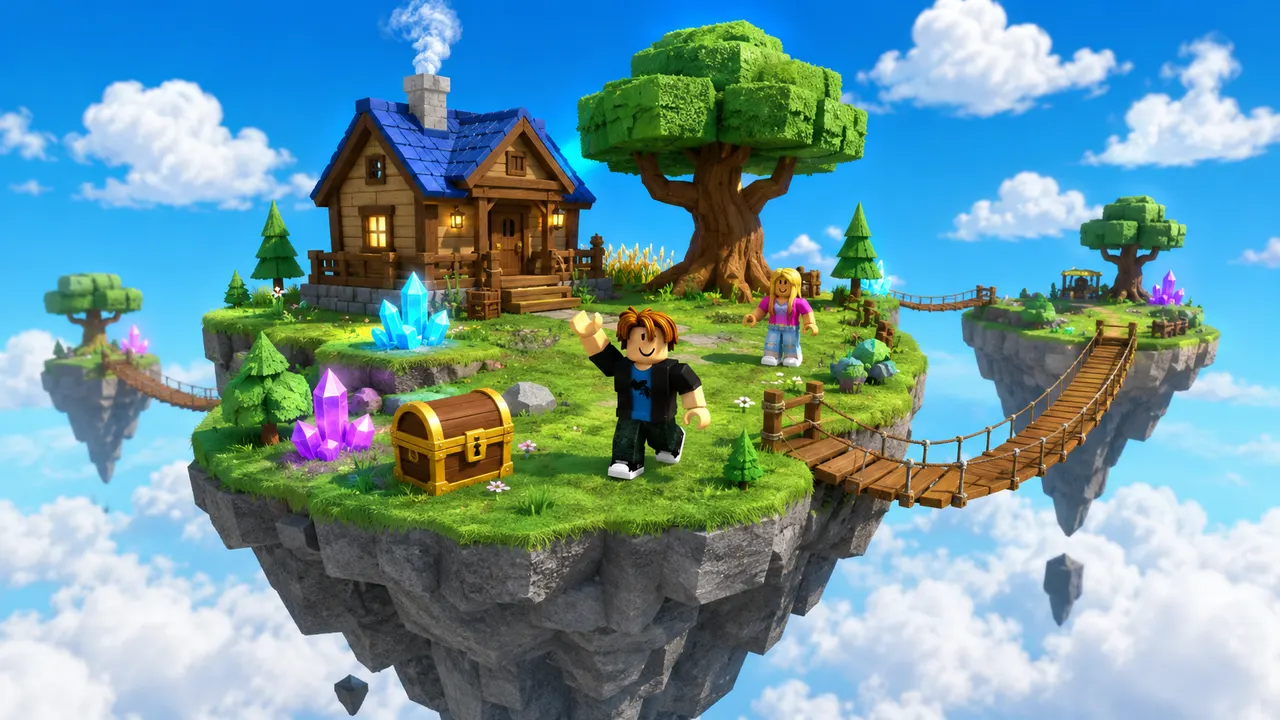
You describe the game. Roblox AI builds the world, writes the Luau, and wires the systems — a complete, playable place, generated in minutes.
How it works
One prompt.
Type your game idea in plain English — the genre, the map, the rules. No coding required — the AI writes all the Luau for you.
The AI plans the build, writes the Luau scripts, places the parts and assembles a playable place file in minutes.
Download it, open it in Roblox Studio, and publish it from your own Studio session.
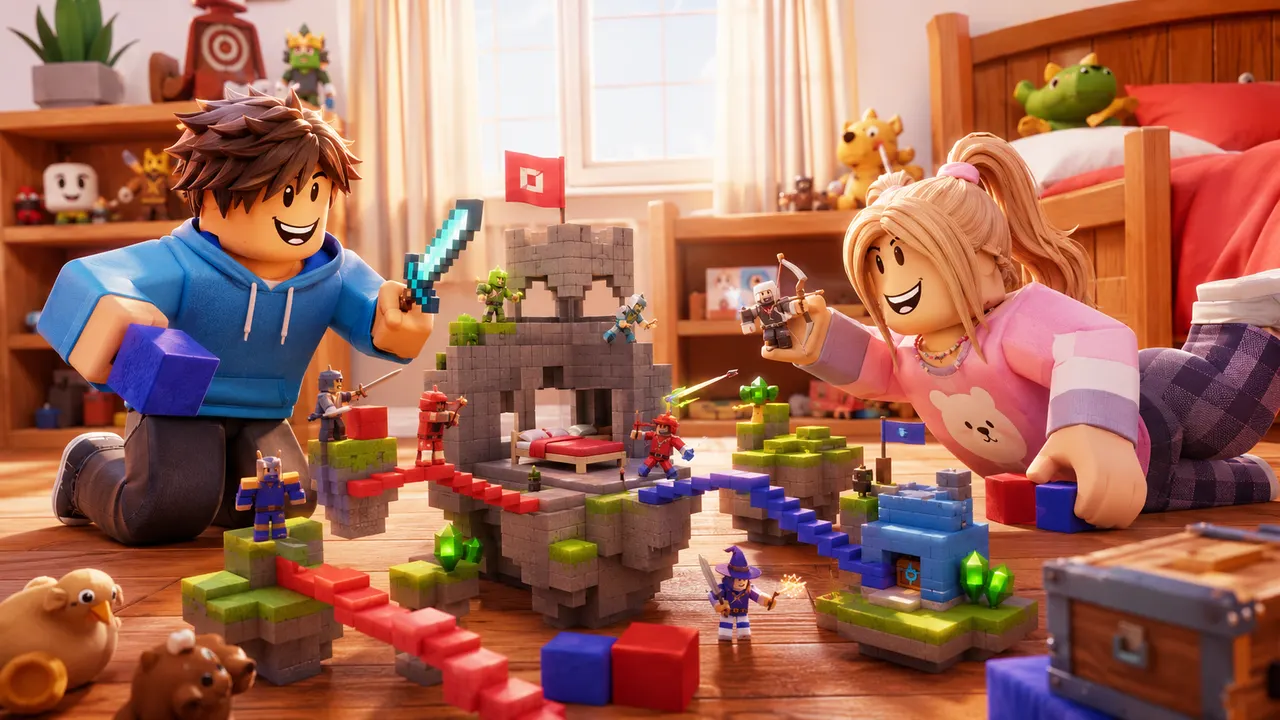 Playable
What it builds
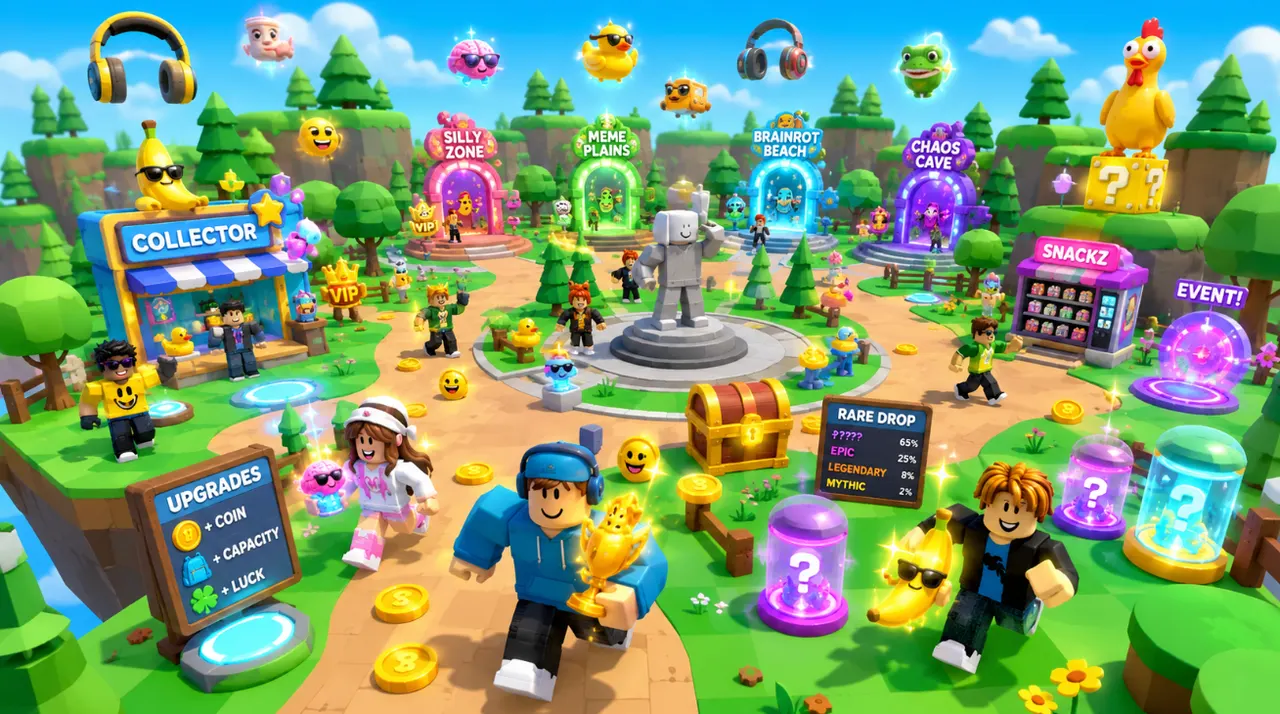
Any game.
The same account generates avatar and outfit sources, classic clothing templates, UGC accessories and full characters — files you own, sized and formatted to pass Roblox upload rather than to look right in a preview.
Turn an idea into something playable to build on.

Get the avatar right without buying twice.
Design something uploadable without opening an image editor.
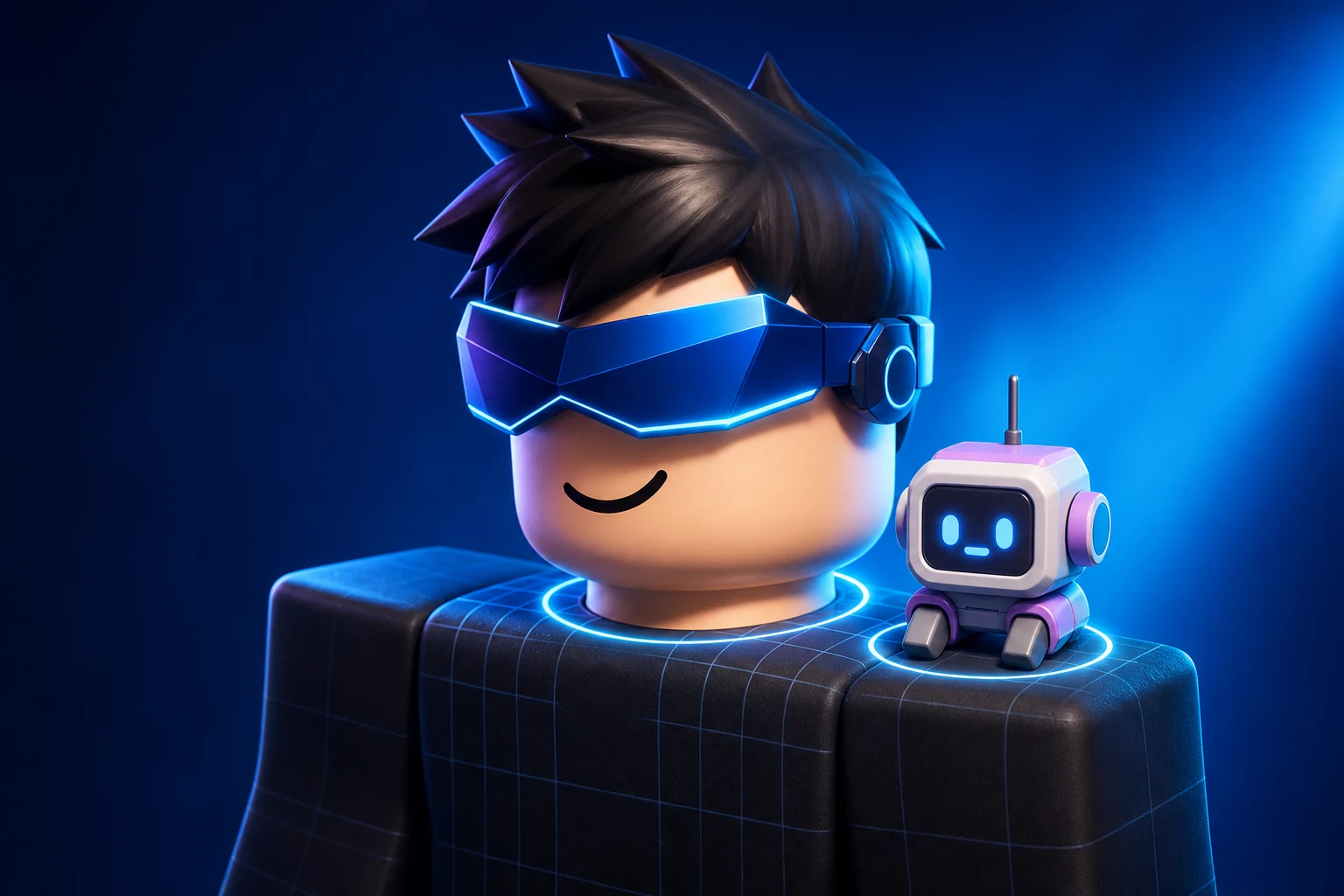
Make a UGC item worth publishing to the Marketplace.
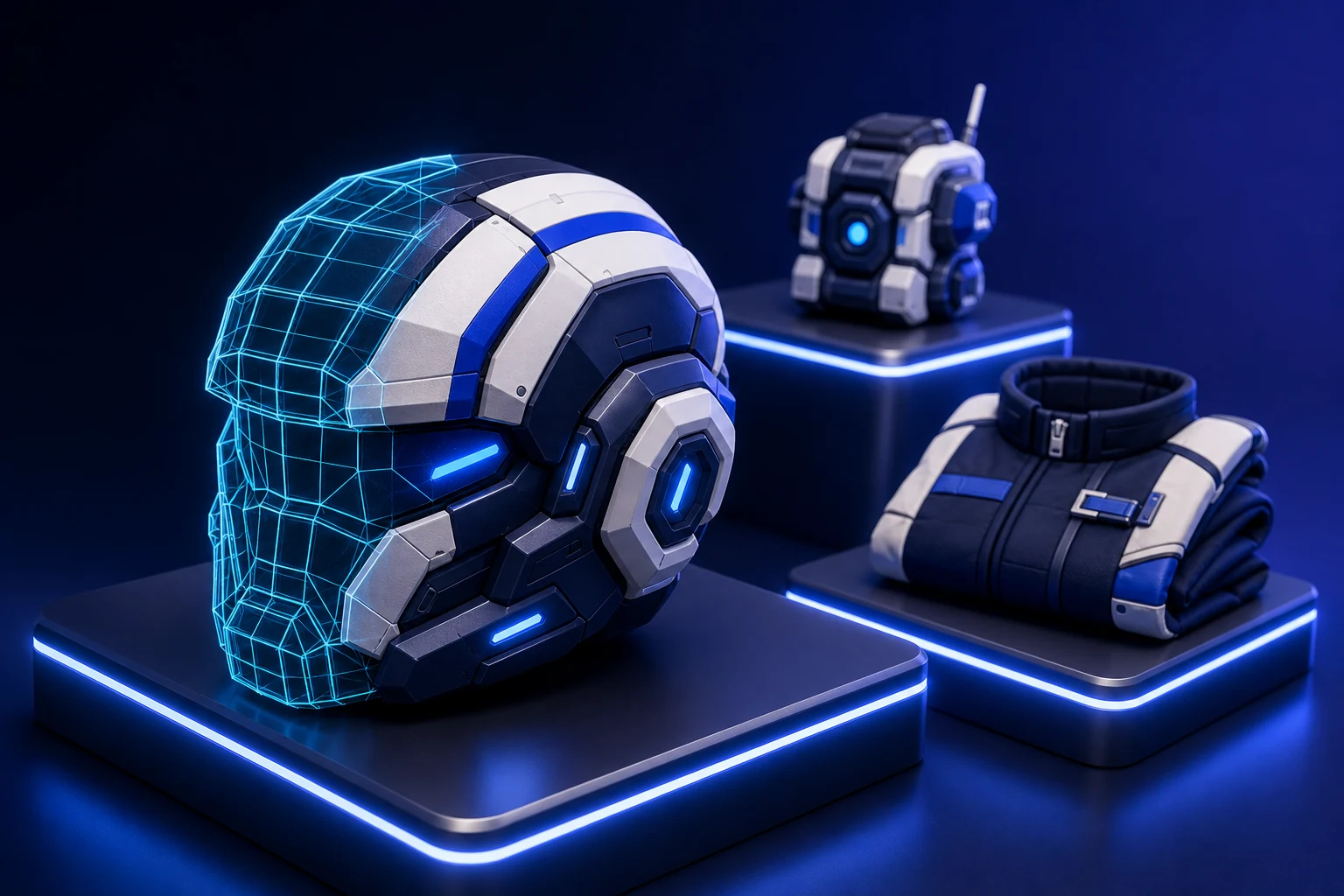
Ship clothing that survives every body and animation.
Own a character nobody else can equip.
Give the game a face people click on.

Feed a channel without filming anything.
Making a Roblox game has a short list of prerequisites — none of them cost money to begin:
There are two honest ways to make a Roblox game today, and they suit different people.
Path 1 — Roblox Studio by hand. You download Studio, learn to place and align parts, and learn Luau to script the mechanics. This gives you total control and is the skill set every serious Roblox developer eventually builds. The trade-off is time: expect weeks of tutorials before your first real game runs, and a steep wall at the scripting stage where most beginners quit.
Path 2 — describe it to an AI builder. Instead of building by hand, you write what you want in plain English and an AI generates the map, writes the Luau and assembles a playable place file. You skip the install and the scripting wall entirely, get a playable result in minutes, and can open that file in Studio later when you want manual control. This is the fastest way to go from an idea to something you can actually play — and the rest of this guide uses it as the main path.
The whole flow is describe → generate → refine → publish. The result you get is mostly decided by how you describe it, so lead with the genre and the core loop. Here are prompts you can start from:
Prompt
Make a tower defense game where players place towers to stop waves of enemies and earn cash to upgrade between rounds.
Prompt
Make an obby with 20 stages over a lava void, moving platforms, checkpoints every 5 stages, and a leaderboard for fastest finish.
Prompt
Make the platforms move faster and add a second path that skips three stages for expert players.
The single biggest predictor of finishing a first game is scope. Pick a genre with a small, well-understood loop:
Publishing is what makes your game playable by other people on Roblox. If you built with an AI tool, you can publish the generated place directly to Roblox — some tools do it in one click without opening Studio. If you built in Studio, use File → Publish to Roblox and fill in a name, description and thumbnail.
Once published, set the experience to public in the Creator Hub, add a good icon and a few thumbnails (this is what earns clicks on Roblox), and share the link. You can keep updating the same game — publishing again pushes your changes live to everyone.
Most abandoned first games die from the same few mistakes. Avoid these:
Start with 60 free credits each month. Starter is $15/month for 750 credits, Pro is $35/month for 1,900 credits and 720p video, and Max is $95/month for 5,250 credits and unlimited projects.
Try world building, images and video with 60 free credits every month. No credit card.
For creators making thumbnails and icons for their own experiences.
For creators shipping regularly. Adds 720p video and detailed 3D assets.
Best value per credit. For studios and anyone generating every day.
Credits refresh monthly with your plan. Cancel anytime.
The beginner-friendly path is to describe your game to an AI builder in plain English, let it generate the map and write the Luau scripts, then publish the result to Roblox. This skips learning to script and gives you a playable game in minutes; you can open the file in Roblox Studio later to edit by hand.
Yes. A Roblox account is free, Roblox Studio is free, and AI builders like Roblox AI have a free tier (60 credits per month, no credit card). You can build and publish a game without spending anything.
Building by hand in Studio, a first game typically takes weeks because of the learning curve. With an AI builder that writes the scripts for you, a simple playable game can be generated in minutes and refined from there.
No. Roblox games are scripted in Luau, but an AI builder writes all of it for you from a plain-English description. You only need to learn Luau if you later want to hand-edit the code in Roblox Studio.
Ready when you are
Your turn.
Describe an idea and generate a playable Roblox game in minutes. Start with 3 free monthly credits — no credit card and no coding required.