Match the garment to the contract
Ask for pants and you get the leg regions mapped correctly. Ask for a T-shirt and you get a square decal, not a wrapped texture that would tile wrong.


 Roblox Clothes Maker · Free account requiredStart free
 UGC Fitting
Roblox treats classic clothing as three separate things, and a tool that blurs them produces items that do not work. Shirts and pants are 585x559 templates whose regions wrap the torso, arms, and legs. A T-shirt is something else entirely: a 512x512 image applied flat to the front of the torso. Roblox AI switches the canvas, the region map, and the art direction to match the type you asked for.
Everything here produces source files you own and upload yourself. Roblox charges the upload fee, runs moderation, and decides what may be listed. What this tool removes is the part where you need an image editor and knowledge of the template layout just to try an idea.
Ask for pants and you get the leg regions mapped correctly. Ask for a T-shirt and you get a square decal, not a wrapped texture that would tile wrong.
Generate a shirt and matching pants from one description so colors and materials stay consistent across both pieces.
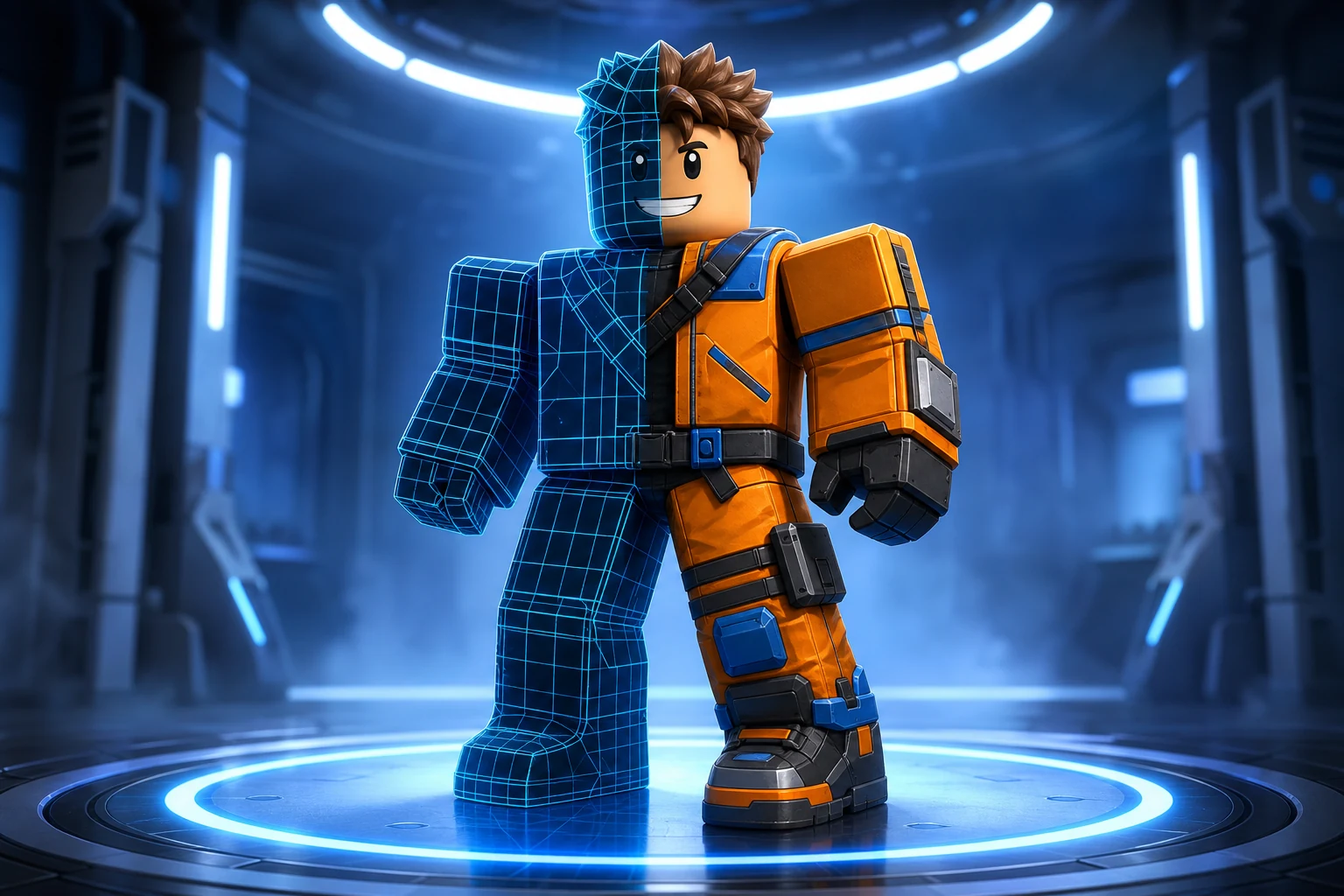
Every design previews on an avatar. Flat artwork is a poor predictor of how a garment reads once it is wrapped and seen at gameplay distance.
Choose shirt, pants, or T-shirt first. The type determines the canvas size, the region map, and how the generator is briefed.
Write the design in plain language, then check it on an avatar and revise the details that do not survive the wrap.
Take the transparent PNG and upload it through Roblox as the matching classic item, where Roblox's fee, moderation, and Marketplace policy apply.
These are starting points, not fixed templates. Change the silhouette, material, palette, body, and personality before you generate.
“A forest green utility shirt with brown pocket detail and matching cargo pants in the same washed fabric.”
“A centered retro sunburst graphic in cream and burnt orange on a plain dark T-shirt.”
“A cream cable-knit sweater with a deep red yoke pattern and dark heavy trousers.”
Classic clothing costs the least of anything Roblox AI generates, so free credits stretch furthest on this page. Paid plans matter when you are producing at volume or want the same monthly capacity to cover 3D sources and game builds.
Try world building, images and video with 60 free credits every month. No credit card.
For creators making thumbnails and icons for their own experiences.
For creators shipping regularly. Adds 720p video and detailed 3D assets.
Best value per credit. For studios and anyone generating every day.
It needs a free Roblox AI account and uses monthly free credits. Roblox charges its own separate upload fee when you publish a finished garment.
A classic shirt is a 585x559 template that wraps the torso and both arms. A T-shirt is a 512x512 image laid flat on the front of the torso, so it cannot show sleeves or a back design.
Yes. Describe the set in one request so the generator keeps colors, materials, and detail treatment consistent across both garments.
No. This page makes classic 2D clothing textures. Layered garments that wrap and deform with the body are 3D sources, which is the Roblox UGC Maker workflow.