Art placed on the real layout
The generator writes to the official region map rather than a square canvas. Sleeves, torso, and back are treated as separate surfaces so the shirt reads correctly once equipped.


 Roblox Shirt Maker · Free account requiredStart free
 Catalog Outfit
A classic Roblox shirt is not a flat image pasted onto a body. It is a 585x559 texture whose regions map to the torso, left arm, and right arm, and a design that ignores that layout looks broken the moment it is worn. Roblox AI composes the artwork directly onto that template, so the seams line up and the front torso stays the visual focal point where players actually look.
The output is a transparent PNG you own and upload yourself. Roblox still handles the upload, the moderation review, the upload fee, and whether the finished item can be sold. Roblox AI does the design and the template mapping. It does not grant approval, and this page will not pretend otherwise.
The generator writes to the official region map rather than a square canvas. Sleeves, torso, and back are treated as separate surfaces so the shirt reads correctly once equipped.
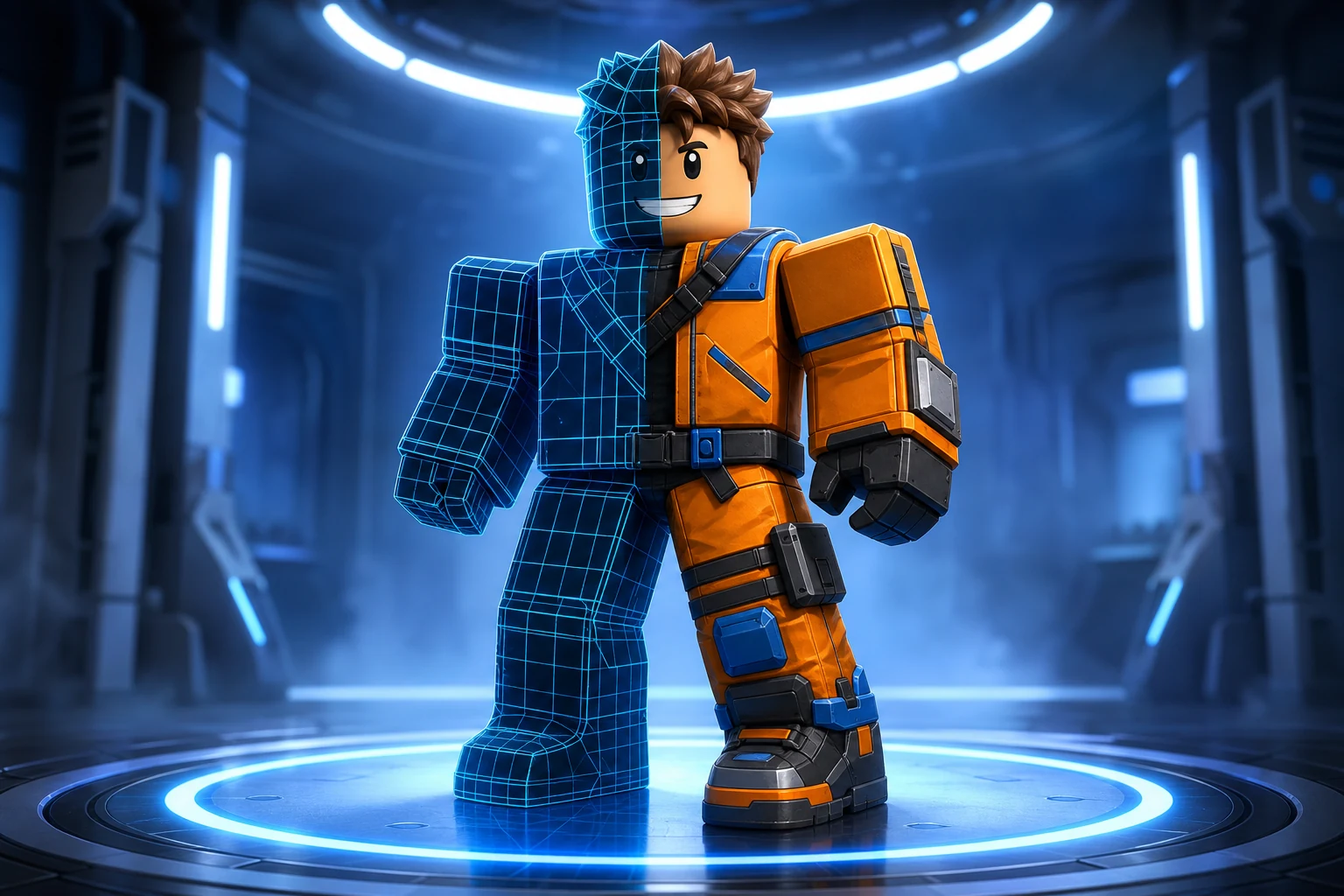
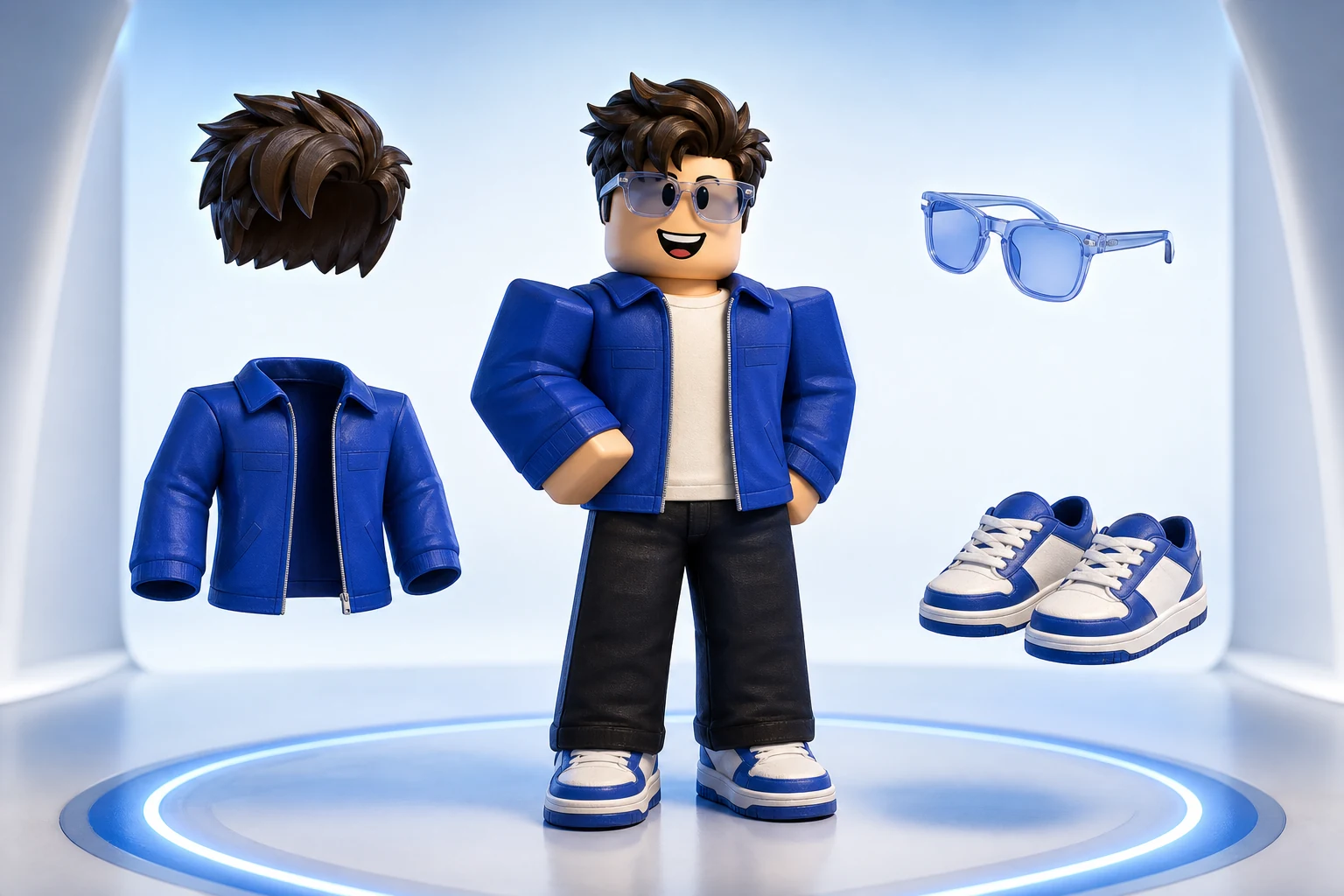
Preview the design on an avatar before you commit. A pattern that looks striking flat often reads very differently wrapped around a torso at gameplay distance.
Download the transparent template and edit it anywhere. You are not locked into finishing the design inside this tool.
Name the colors, motif, materials, and mood. Concrete direction such as a washed denim jacket with orange stitching beats a one-word style label.
Check the design on an avatar, then adjust the parts that do not read at distance. Small high-contrast details usually need to grow.
Download the PNG and upload it in Roblox as a classic shirt. Roblox applies its own fee, moderation, and Marketplace rules to the finished item.
These are starting points, not fixed templates. Change the silhouette, material, palette, body, and personality before you generate.
“A washed black denim shirt with orange contrast stitching, a small chest emblem, and clean sleeve seams.”
“A cobalt and white sports jersey with bold shoulder stripes, a centered number panel, and a matte fabric look.”
“A warm 1970s corduroy shirt in mustard and brown with a wide collar and subtle vertical ribbing.”
Classic clothing generation is the cheapest thing Roblox AI makes, so the free monthly credits go further here than anywhere else on the site. Upgrade when you are producing designs regularly or want capacity for 3D sources and game builds in the same month.
Try world building, images and video with 60 free credits every month. No credit card.
For creators making thumbnails and icons for their own experiences.
For creators shipping regularly. Adds 720p video and detailed 3D assets.
Best value per credit. For studios and anyone generating every day.
Classic shirts and pants use a 585x559 template. T-shirts are different: they are a 512x512 decal placed on the torso rather than a wrapped clothing texture.
You need a free Roblox AI account, and classic clothing generation draws on the monthly free credit allowance. Roblox charges its own separate upload fee when you publish the finished shirt.
You are responsible for originality, rights, Roblox's upload fee, moderation, creator eligibility, and current Marketplace policy. Generating a design does not create permission to sell it.
Yes. The download is a normal transparent PNG on the official template. Open it in any image editor and change whatever you want before uploading.