3 monthly credits · No cardStart free
The complete guide to building a simulator — actions, currency, upgrades and rebirths.
A place file with Luau 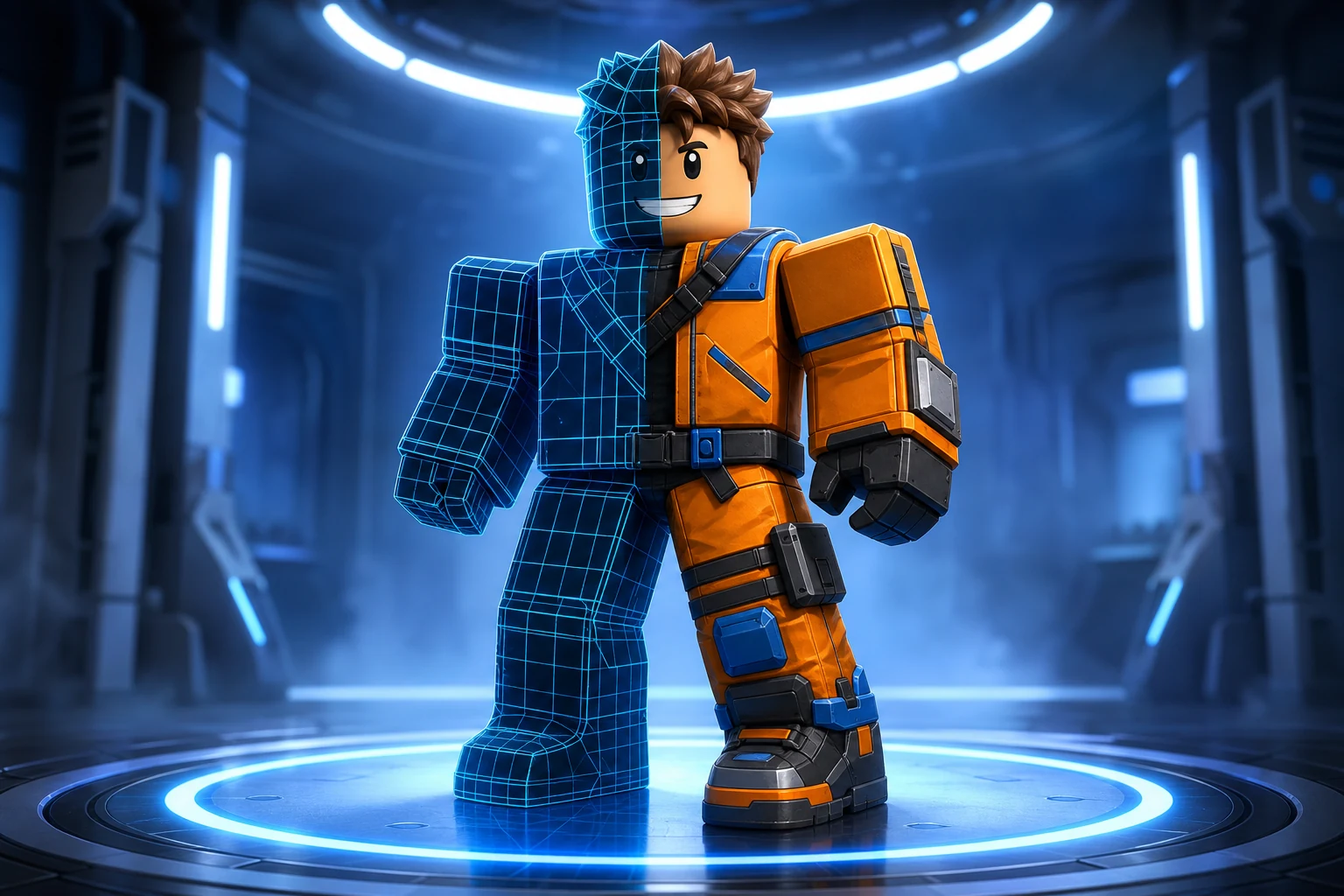
Icons, thumbnails, GFX Five second clips
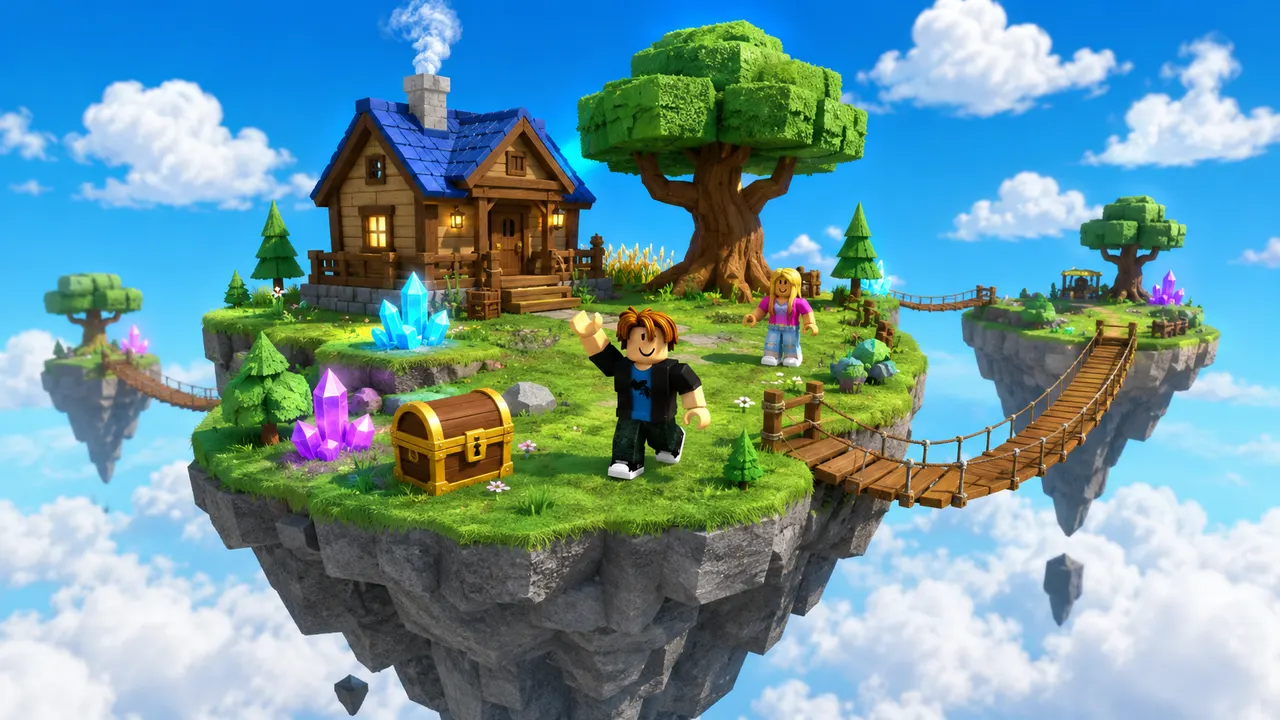
Sky Islands3 monthly credits · No cardStart freeSky IslandsA simulator is the most extensible Roblox genre, and one of the easiest to start: players do a simple action, earn currency, spend it on upgrades that make the action pay more, and eventually rebirth for a permanent multiplier that resets their currency but speeds up everything after. Swing a tool, dig for gems, train strength, hatch pets — the action changes but the loop is always earn → upgrade → rebirth → repeat. Building one by hand means setting up the action, the currency and the shop in Roblox Studio and writing the Luau for all of it. The faster route is to describe the simulator to an AI builder, which wires the loop and writes the scripts for you. This guide covers what a simulator is made of, both build paths, the scripts it needs, and how to pace progression so it stays addictive.
You describe the game. Roblox AI builds the world, writes the Luau, and wires the systems — a complete, playable place, generated in minutes.
How it works
One prompt.
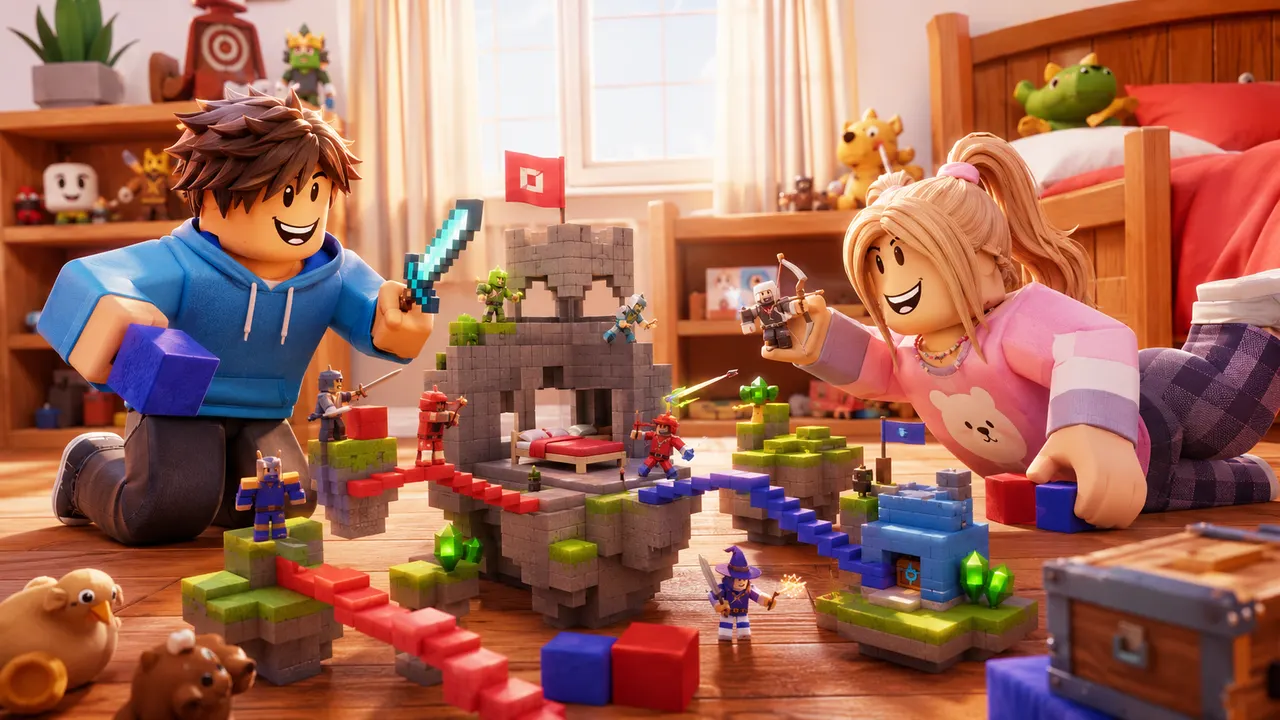
Type your game idea in plain English — the genre, the map, the rules. No coding required — the AI writes all the Luau for you.
The AI plans the build, writes the Luau scripts, places the parts and assembles a playable place file in minutes.
Download it, open it in Roblox Studio, and publish it from your own Studio session.
 Playable
What it builds
Any game.
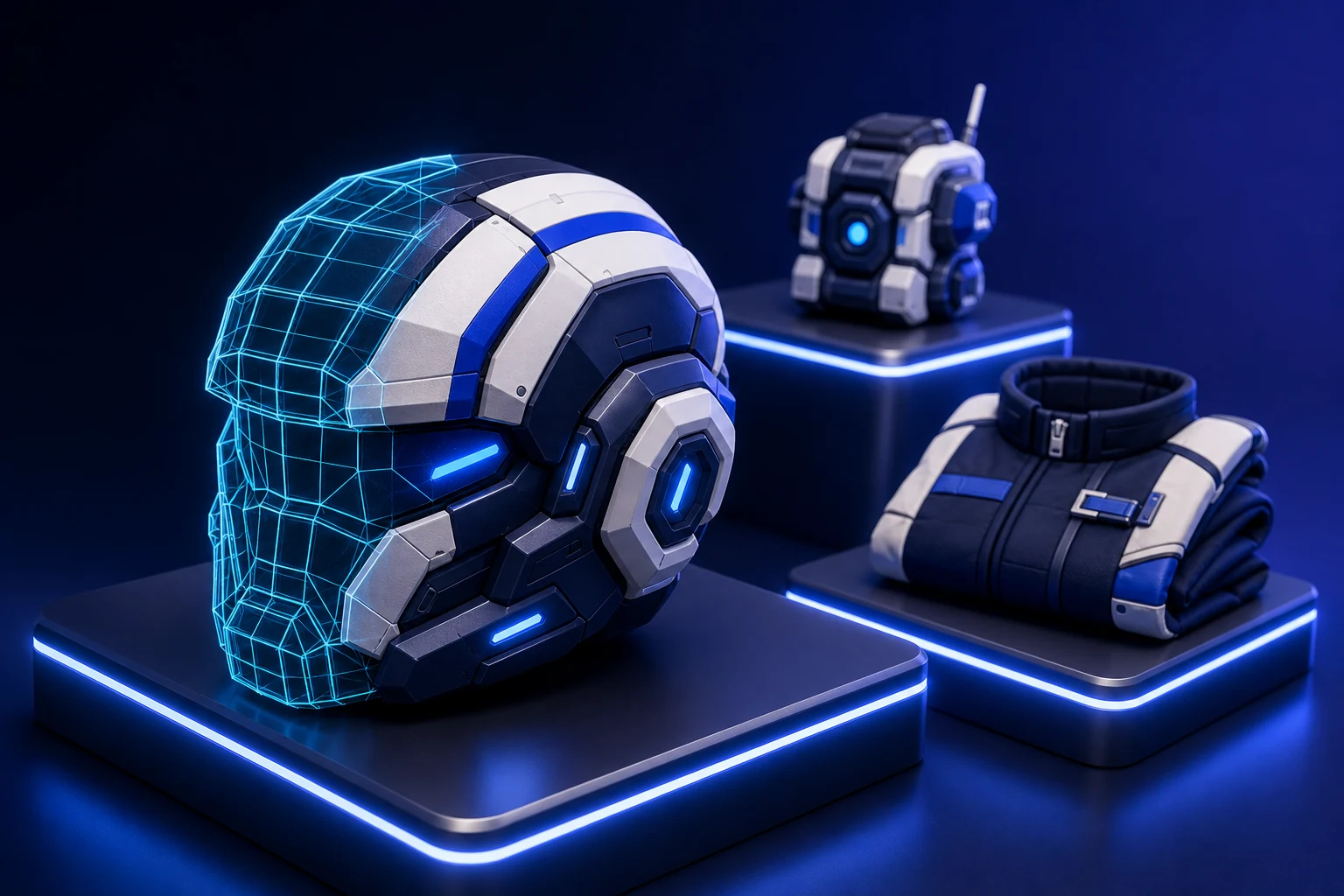
The same account generates avatar and outfit sources, classic clothing templates, UGC accessories and full characters — files you own, sized and formatted to pass Roblox upload rather than to look right in a preview.
Turn an idea into something playable to build on.

Get the avatar right without buying twice.
Design something uploadable without opening an image editor.

Make a UGC item worth publishing to the Marketplace.
Ship clothing that survives every body and animation.
Own a character nobody else can equip.
Give the game a face people click on.

Feed a channel without filming anything.
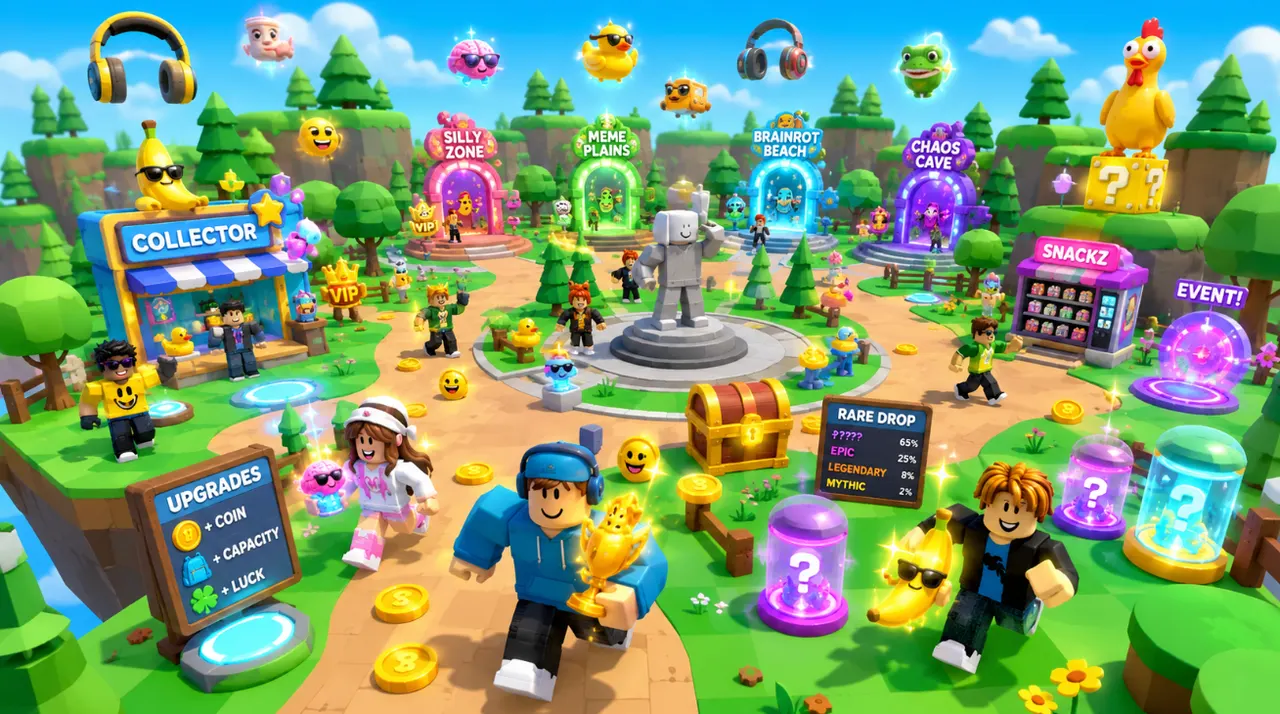
Whatever the theme, a simulator is built from the same loop of parts:
There are two honest ways to make a simulator, and they suit different people.
By hand in Roblox Studio. You build the world and the shop, then write Luau for the action that awards currency, the upgrade purchases, the rebirth maths and the DataStore that saves it all. Full control — but the interlocking scripts are a lot for a first project, and saving is where many beginners give up.
Describe it to an AI builder. You write the action, the currency and the progression in plain English, and an AI wires the loop and writes the earning, upgrade, rebirth and saving scripts for you. You get a playable simulator in minutes, extend it with a follow-up line — a new zone, a pet system — and open the place in Studio later to tune any number. The rest of this guide uses this as the main path.
The flow is describe → generate → refine. Start with the action and the currency, then add upgrades, zones and rebirth:
Prompt
Make a mining simulator where players swing a pickaxe to break rocks and earn gems as currency.
Prompt
Add a shop that sells stronger pickaxes and backpacks, and new mining zones with rarer, more valuable rocks.
Prompt
Add a rebirth that resets gems for a permanent earning multiplier, and a leaderboard for total rebirths.
A simulator is a world plus a few Luau scripts that drive the loop. An AI builder writes all of these; here's what each one does:
Simulators are pure progression, so pacing is the whole craft:
Most simulators that flop share these problems. Avoid them:
Start with 60 free credits each month. Starter is $15/month for 750 credits, Pro is $35/month for 1,900 credits and 720p video, and Max is $95/month for 5,250 credits and unlimited projects.
Try world building, images and video with 60 free credits every month. No credit card.
For creators making thumbnails and icons for their own experiences.
For creators shipping regularly. Adds 720p video and detailed 3D assets.
Best value per credit. For studios and anyone generating every day.
Credits refresh monthly with your plan. Cancel anytime.
Set up a simple action that earns currency, a shop of upgrades that make the action earn more, and a rebirth that grants a permanent multiplier. You can build the world in Roblox Studio and script the loop in Luau, or describe the simulator to an AI builder that wires the earning, upgrade, rebirth and saving scripts for you, then publish it to Roblox.
Do an action, earn currency, spend it on upgrades that make the action pay more, and eventually rebirth to trade your currency for a permanent multiplier — then repeat, faster each time. The action varies (clicking, digging, training) but the earn → upgrade → rebirth loop is what defines the genre.
No. The action, currency, upgrades and rebirth can all be scripted for you by an AI builder from a plain-English description. You'd only need Luau if you later want to hand-tune the numbers or add custom systems in Roblox Studio.
Rebirthing resets a player's currency (and sometimes upgrades) in exchange for a permanent multiplier that makes all future earnings faster. It's the long-term hook of the genre — the multiplier must clearly outweigh what players give up, or they won't do it.
Ready when you are
Your turn.
Describe an idea and generate a playable Roblox game in minutes. Start with 3 free monthly credits — no credit card and no coding required.